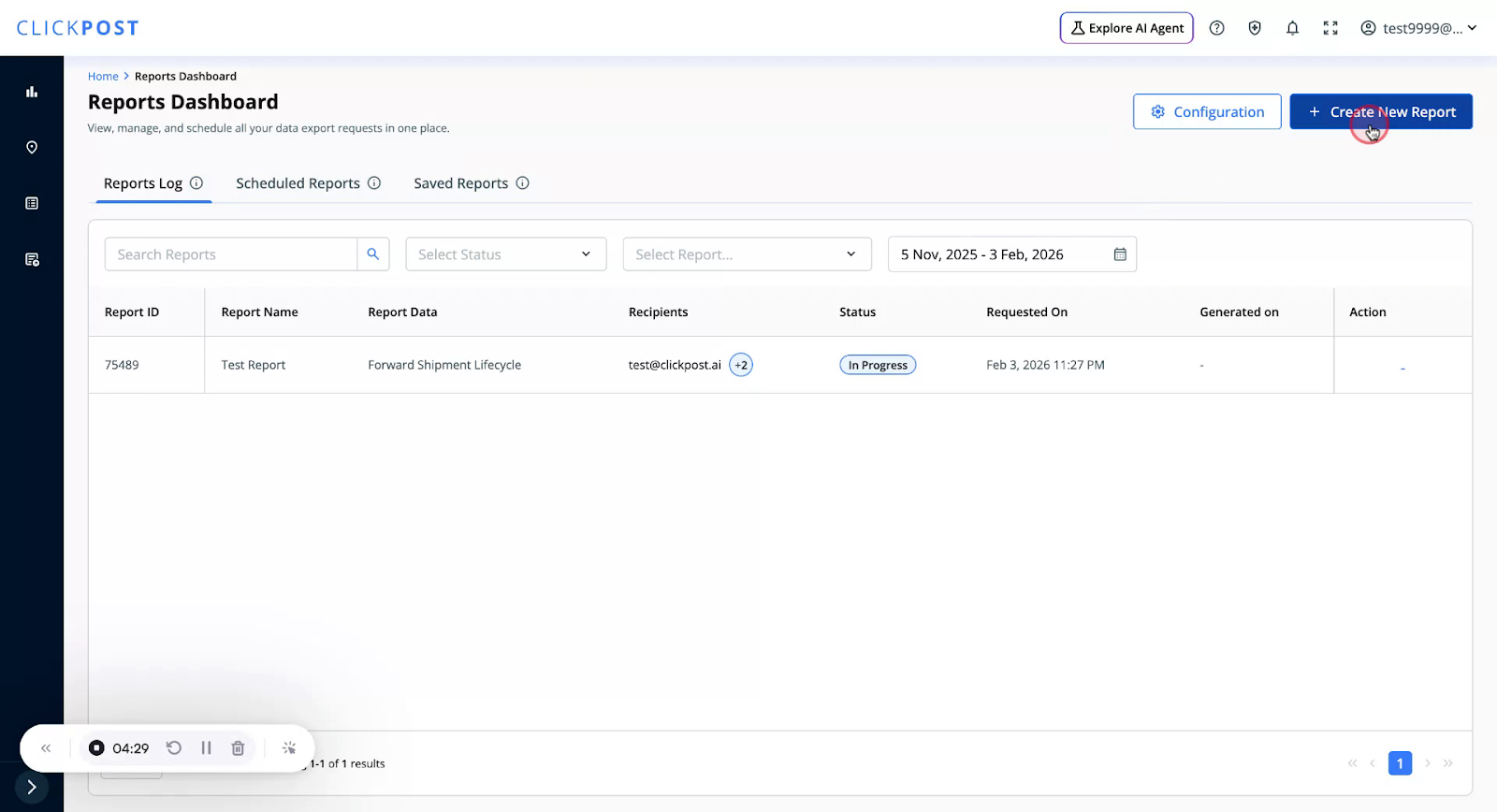
You can download pre-defined templates where filters and fields are already configured for you. To use a Quick Template, click on Create New Report
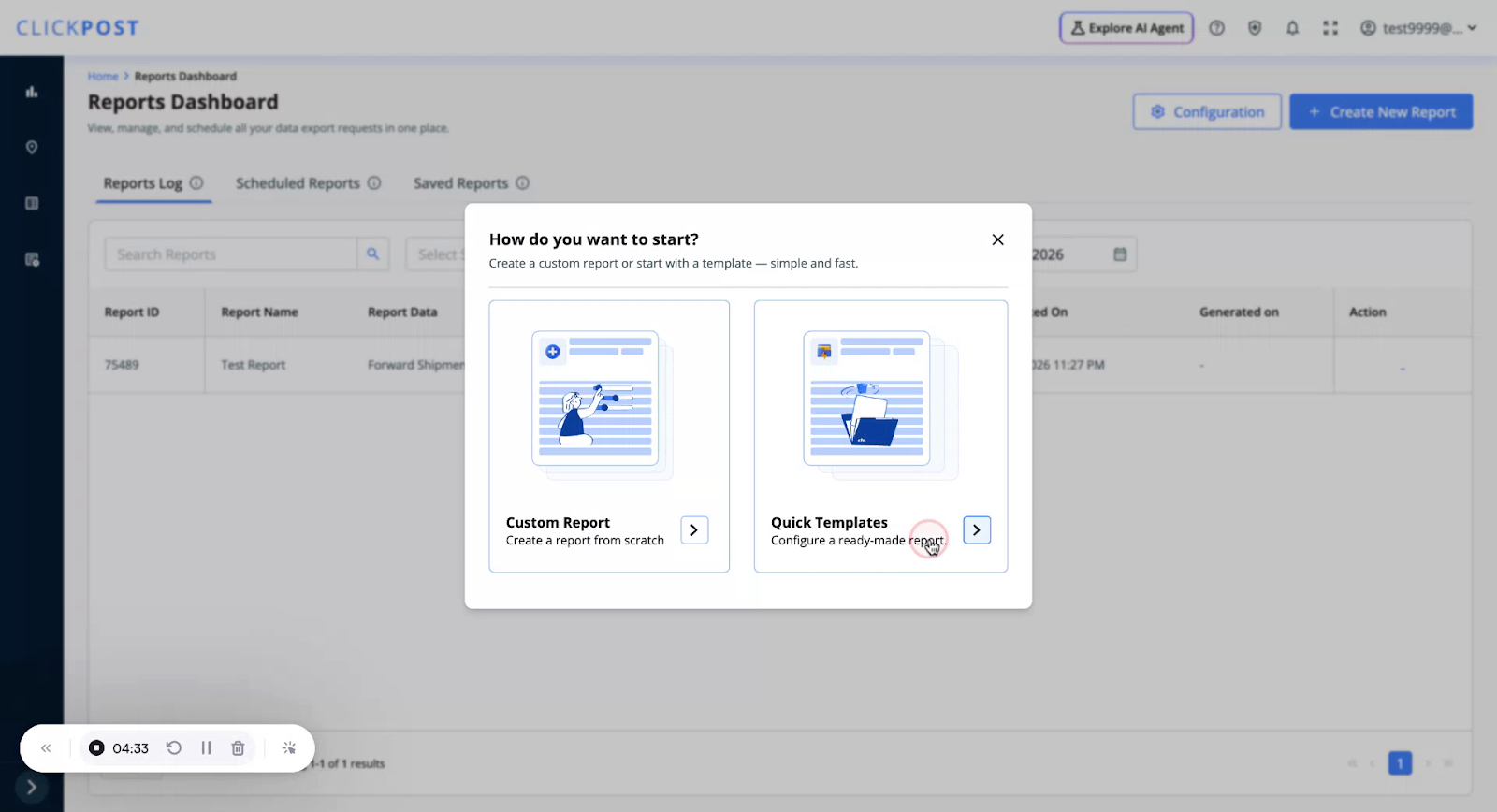
Go to the Quick Templates section.
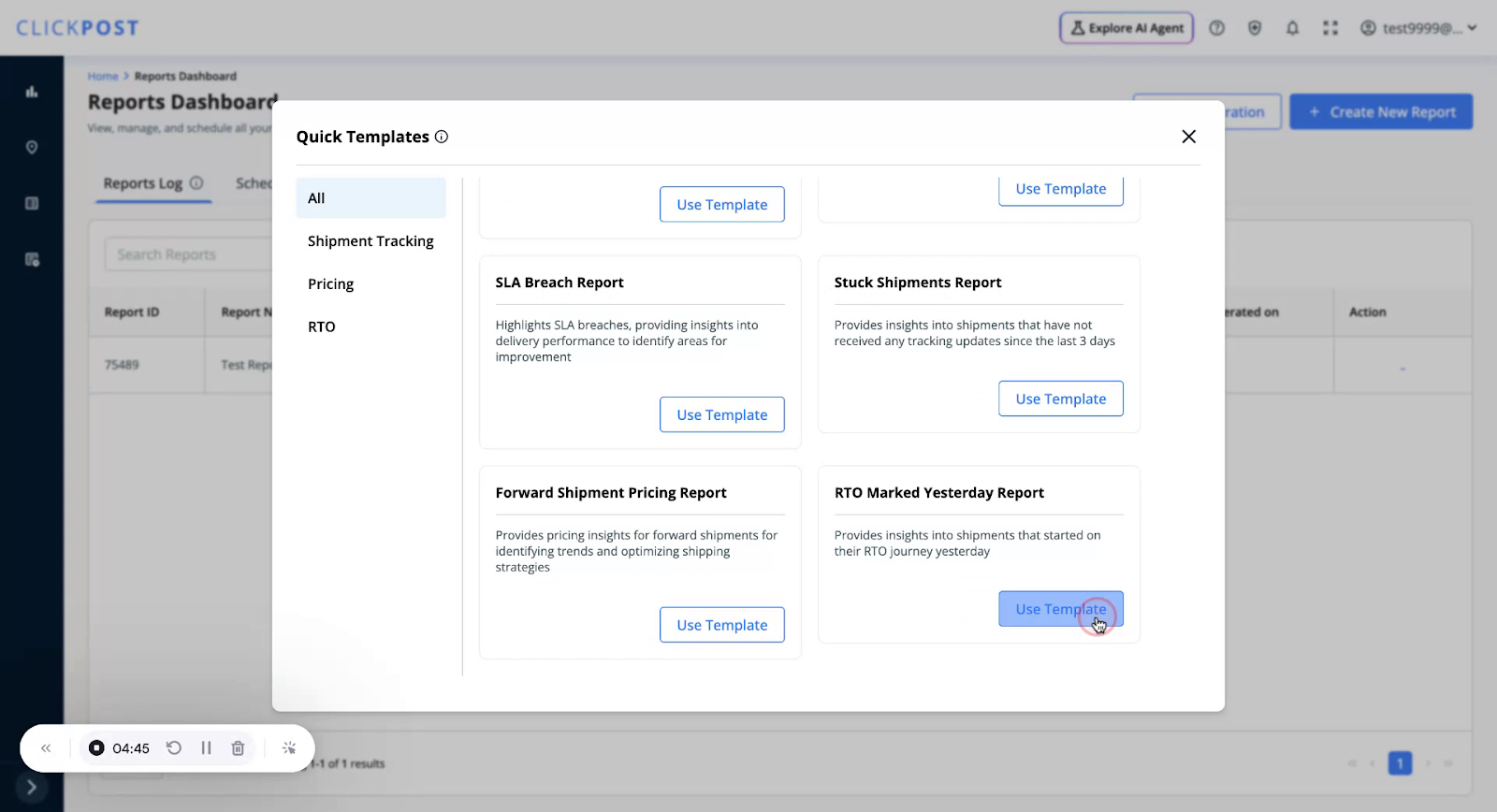
• Click Use Template on the desired template.
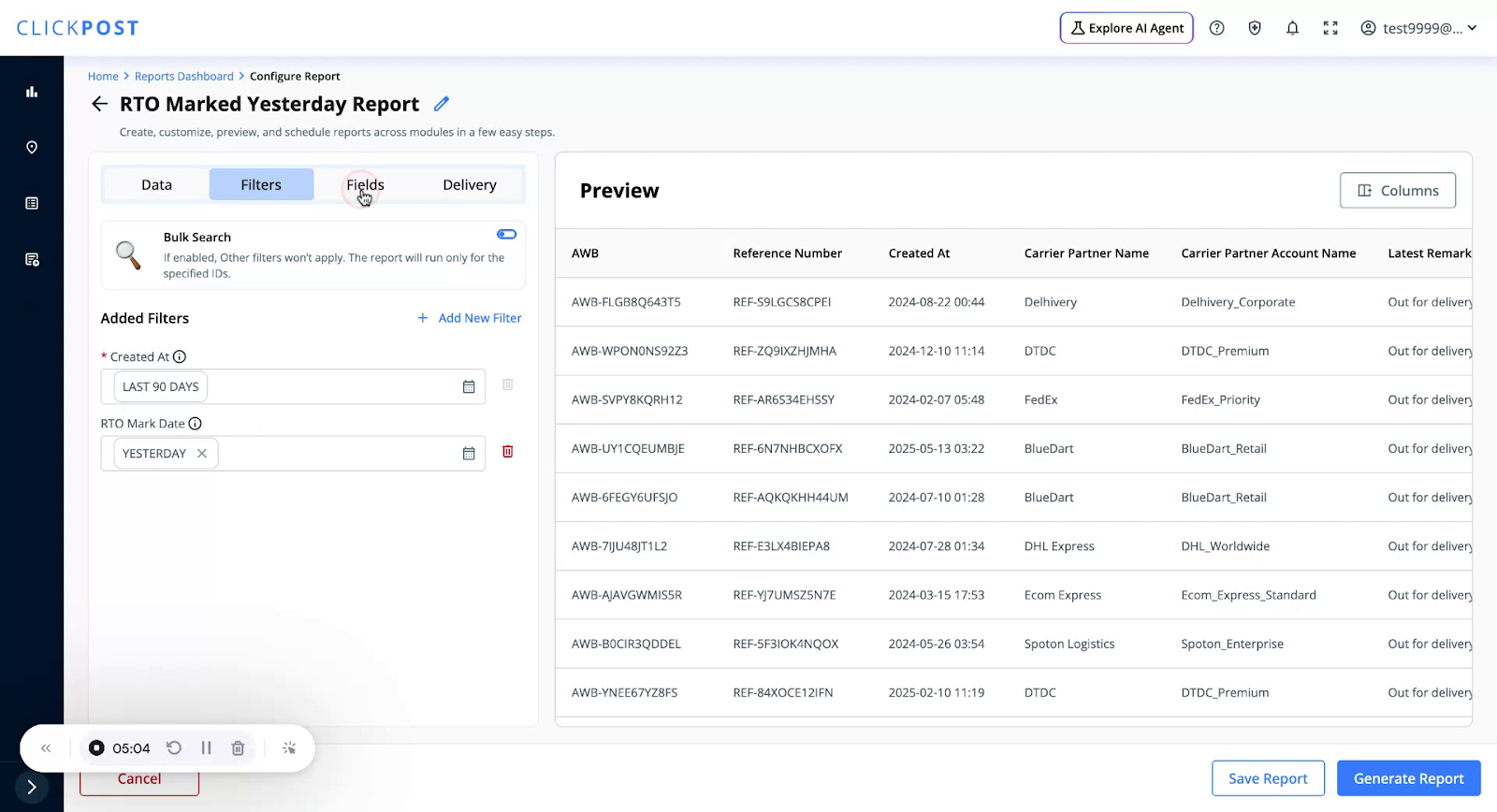
For example, a template such as “RTO Marked Yesterday” might have:
• Shipments created in the last 90 days,
• But marked RTO yesterday as the filters.
In the Fields tab for this template:
• The relevant fields are already selected.
You can:
• Review the selected fields,
• Rearrange the columns if needed.
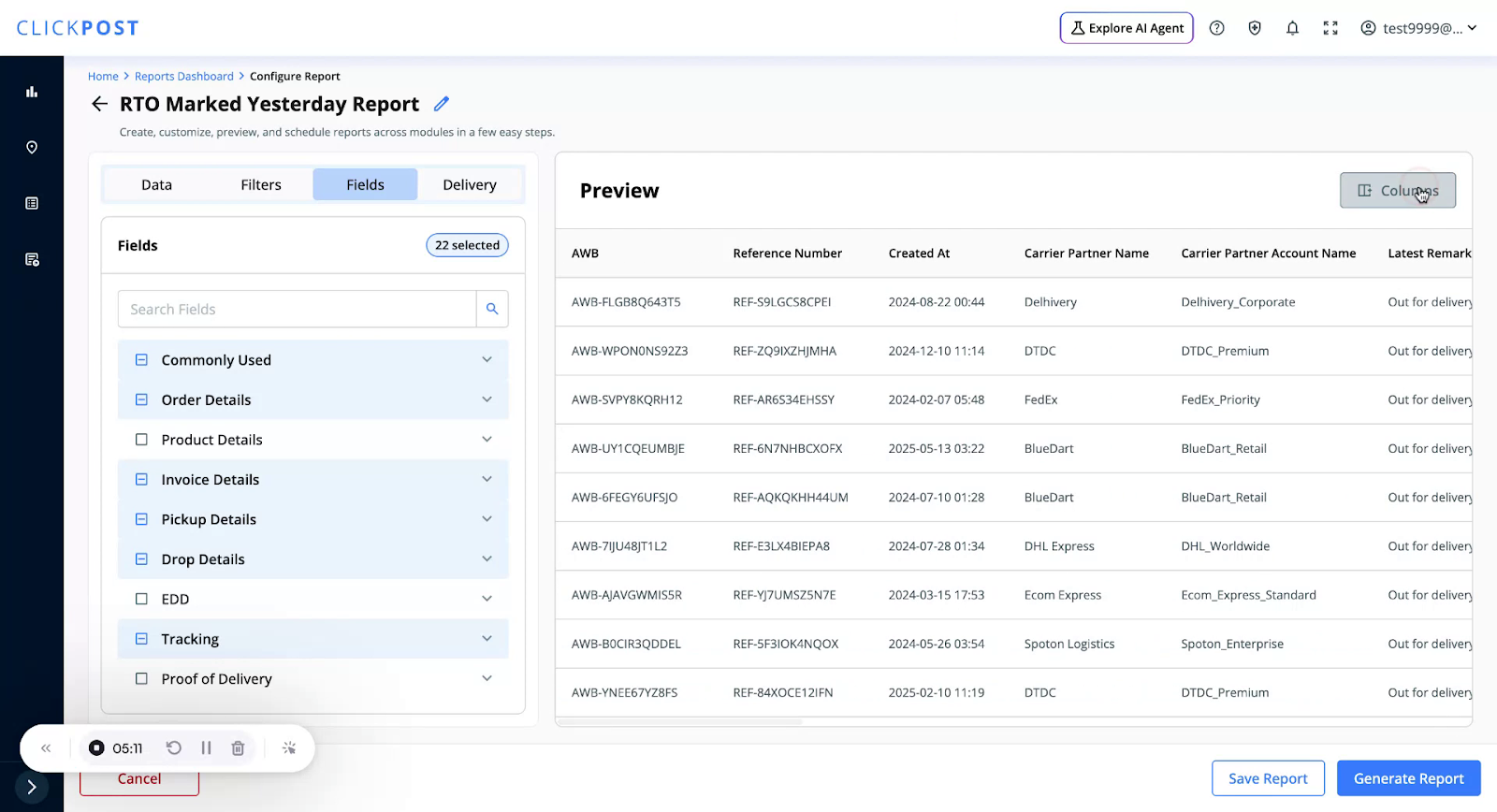
You can also rename the report template to something more suitable.
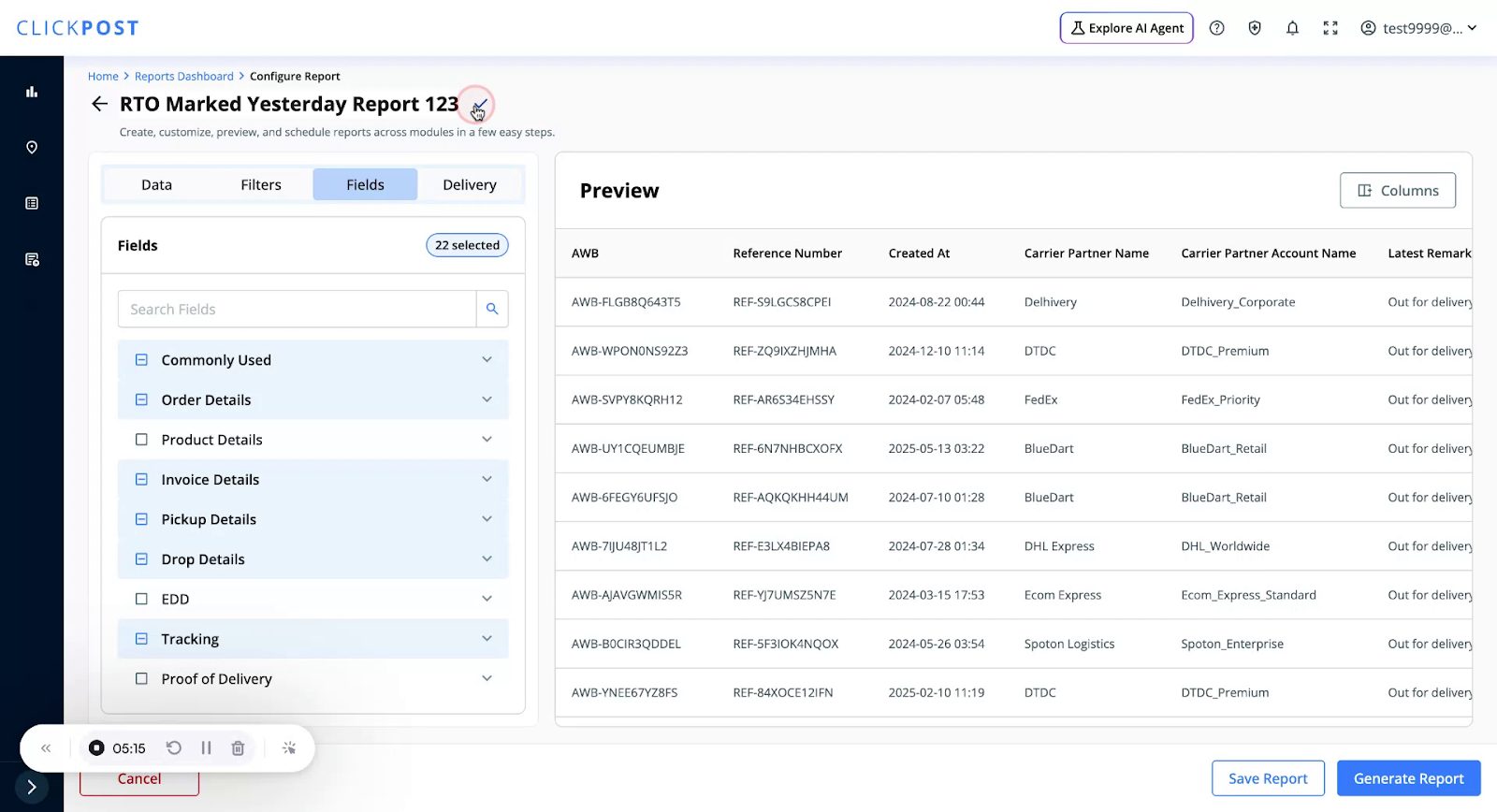
Then:
• Generate the report immediately, or
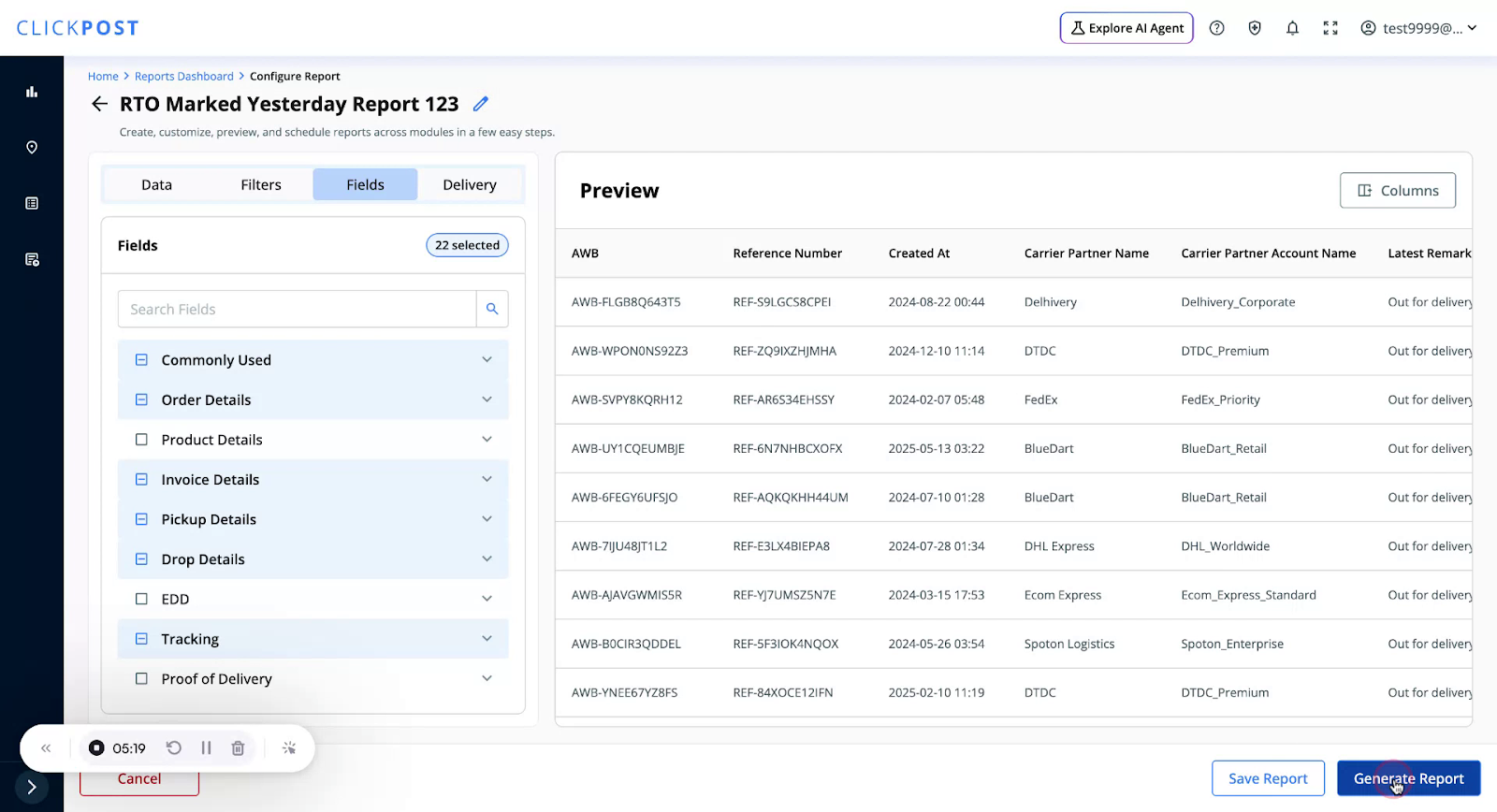
• Schedule it using the same scheduling options as for custom reports.
Was this article helpful?
That’s Great!
Thank you for your feedback
Sorry! We couldn't be helpful
Thank you for your feedback
Feedback sent
We appreciate your effort and will try to fix the article