If you want to generate a scheduled report immediately (on demand):
• Open the Scheduled Reports tab.
• Find the report (e.g., Test Report).
• Click Generate and Send.
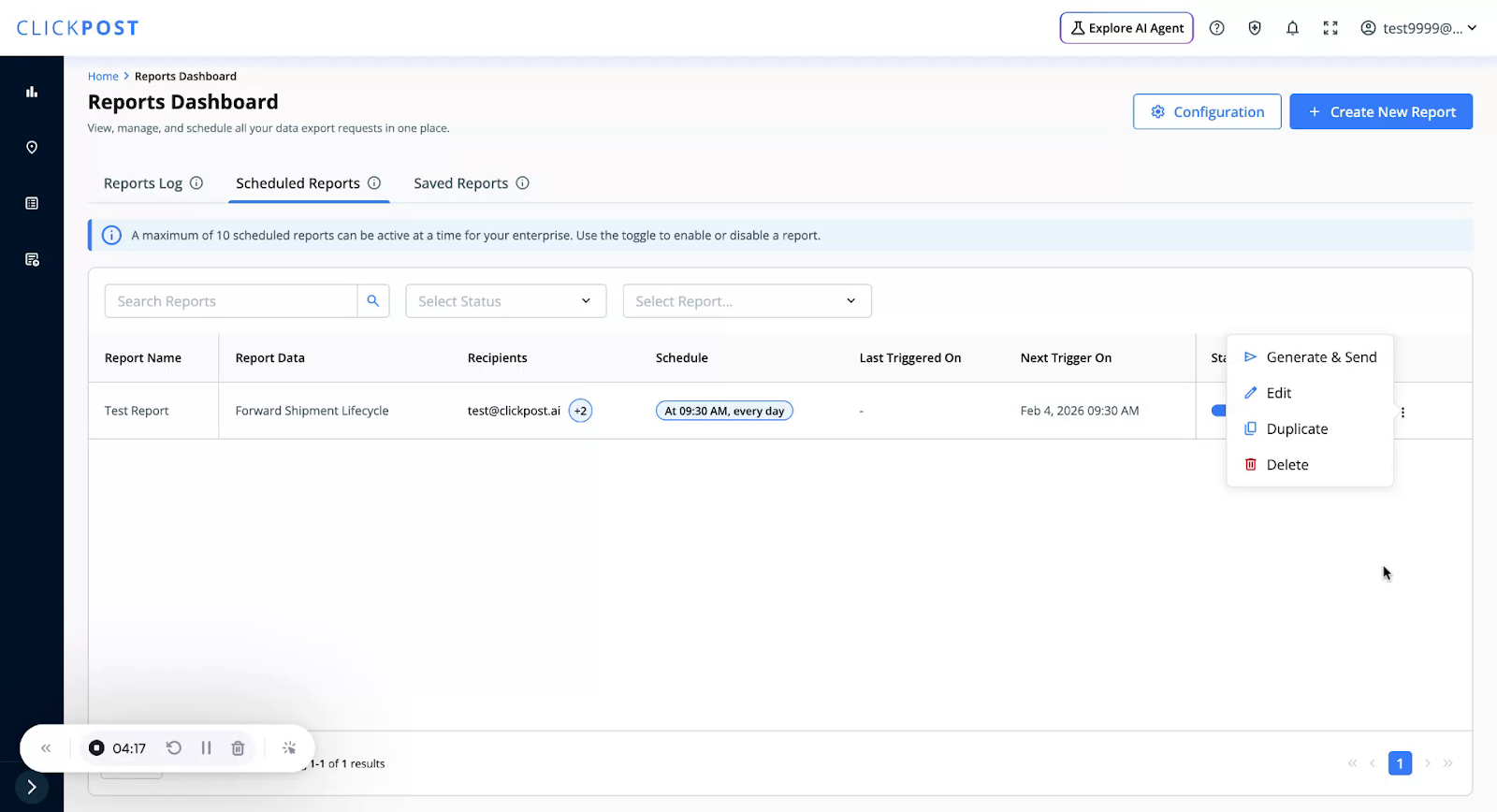
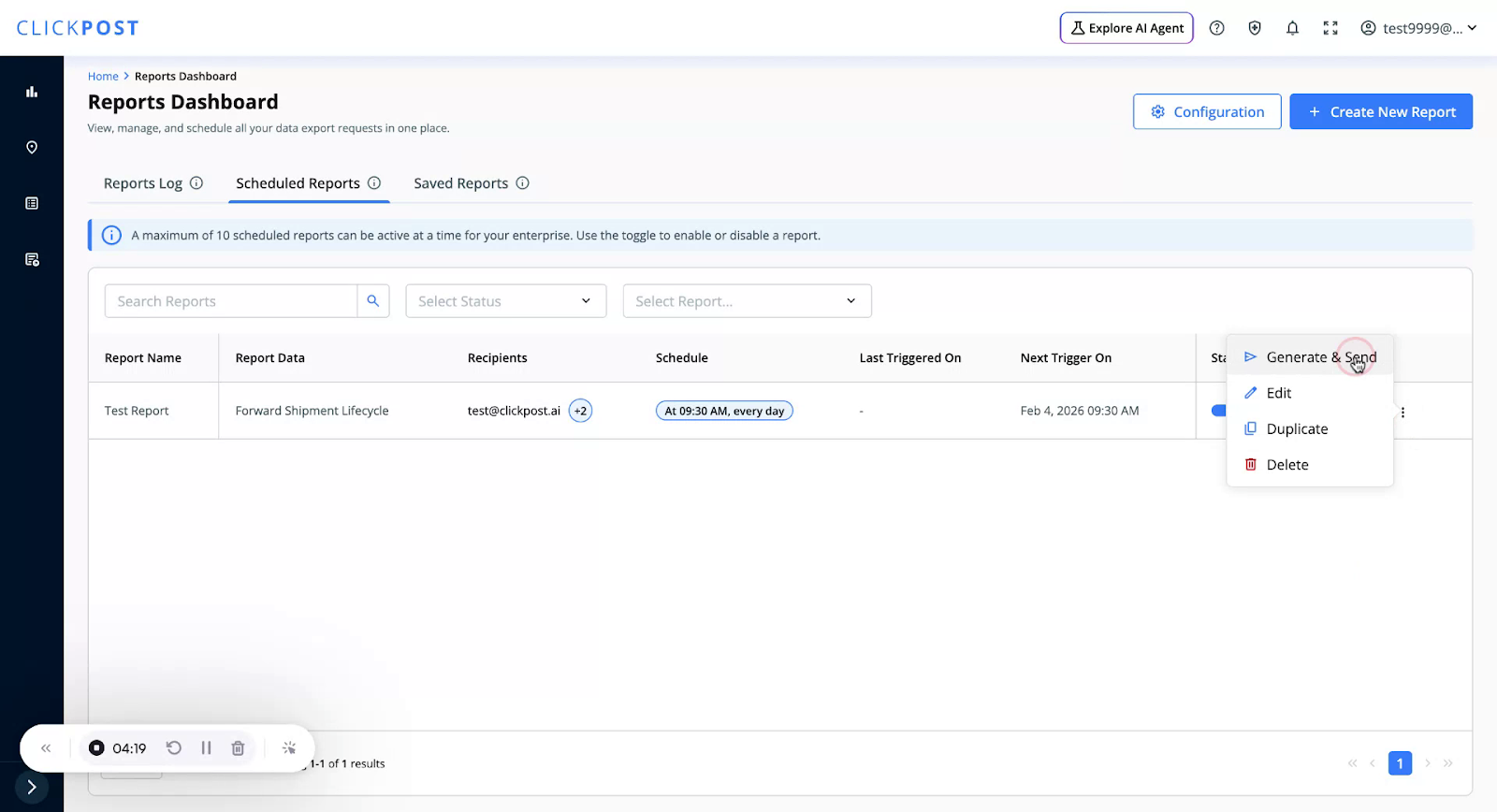
This triggers instant generation and sends the report right away.
Was this article helpful?
That’s Great!
Thank you for your feedback
Sorry! We couldn't be helpful
Thank you for your feedback
Feedback sent
We appreciate your effort and will try to fix the article