Overview: Steps to configure gateway and add whitelisted templates on Clickpost for Milestone-based notifications.
Pre-requisites:
- API key ( To access Quick chat APIs)
- Templates are created and whitelisted on Quick chat. For sample templates, refer the attached document. https://docs.google.com/spreadsheets/d/14gNz3oguQ3nILSKk6Asdz4j84KYc9MW1dQL89EPo5Ag/edit?usp=sharing
Gateway configuration:
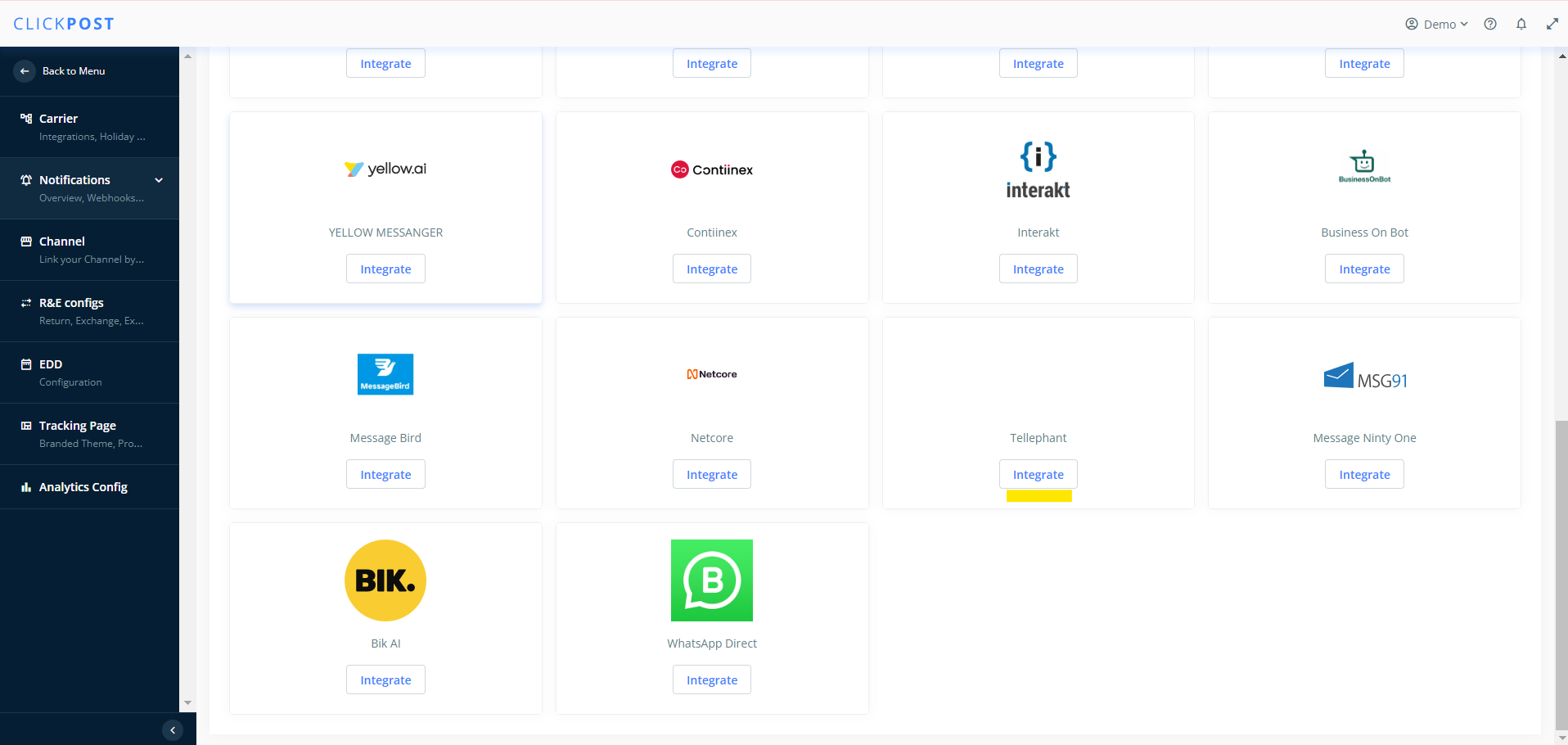
1. Go to Settings > Notifications> Overview> Whatsapp> 'Please configure a gateway' , then click on "Integrate" button below Tellephant
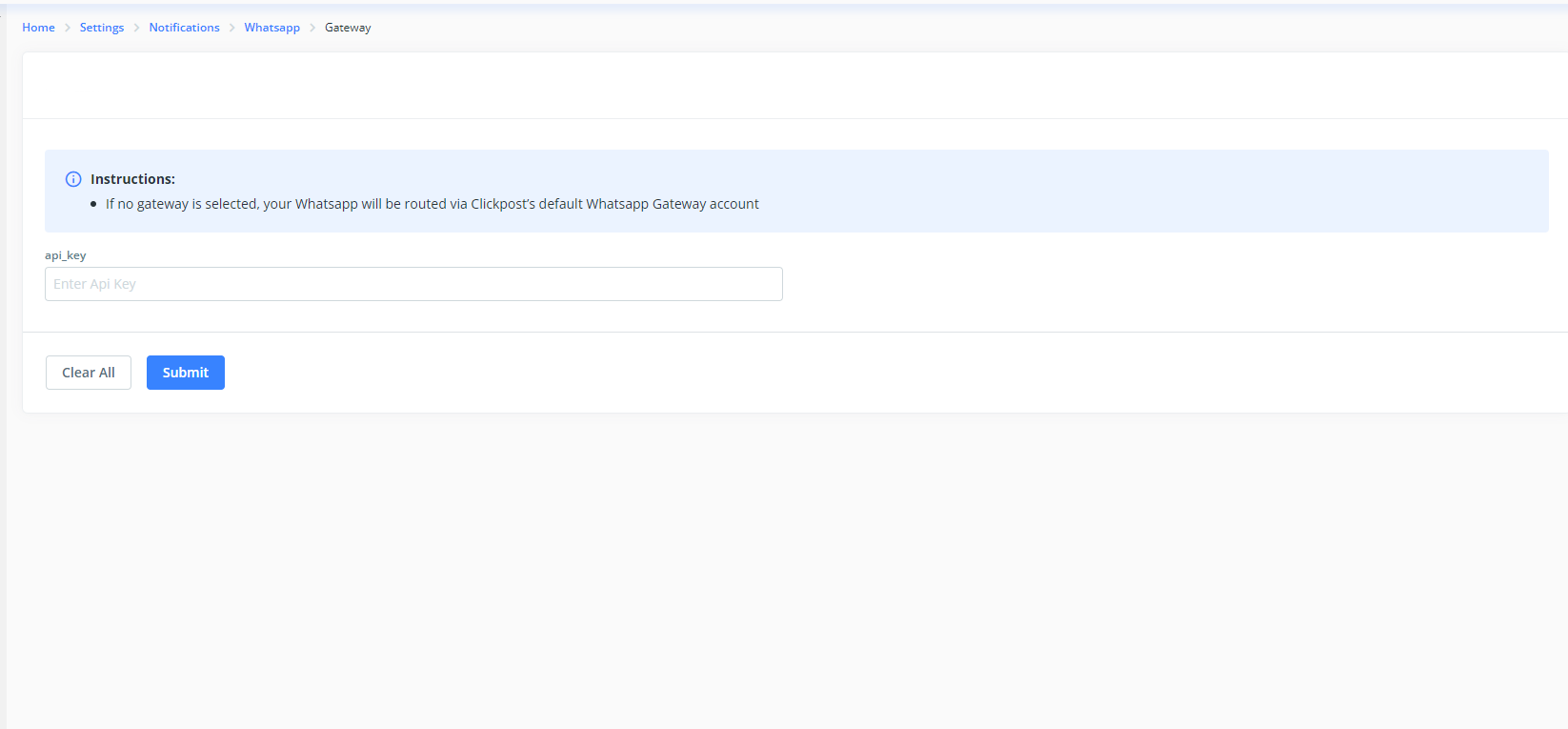
2. Please add the API key that you have received from Quick chat / Tellephant team and click on submit.
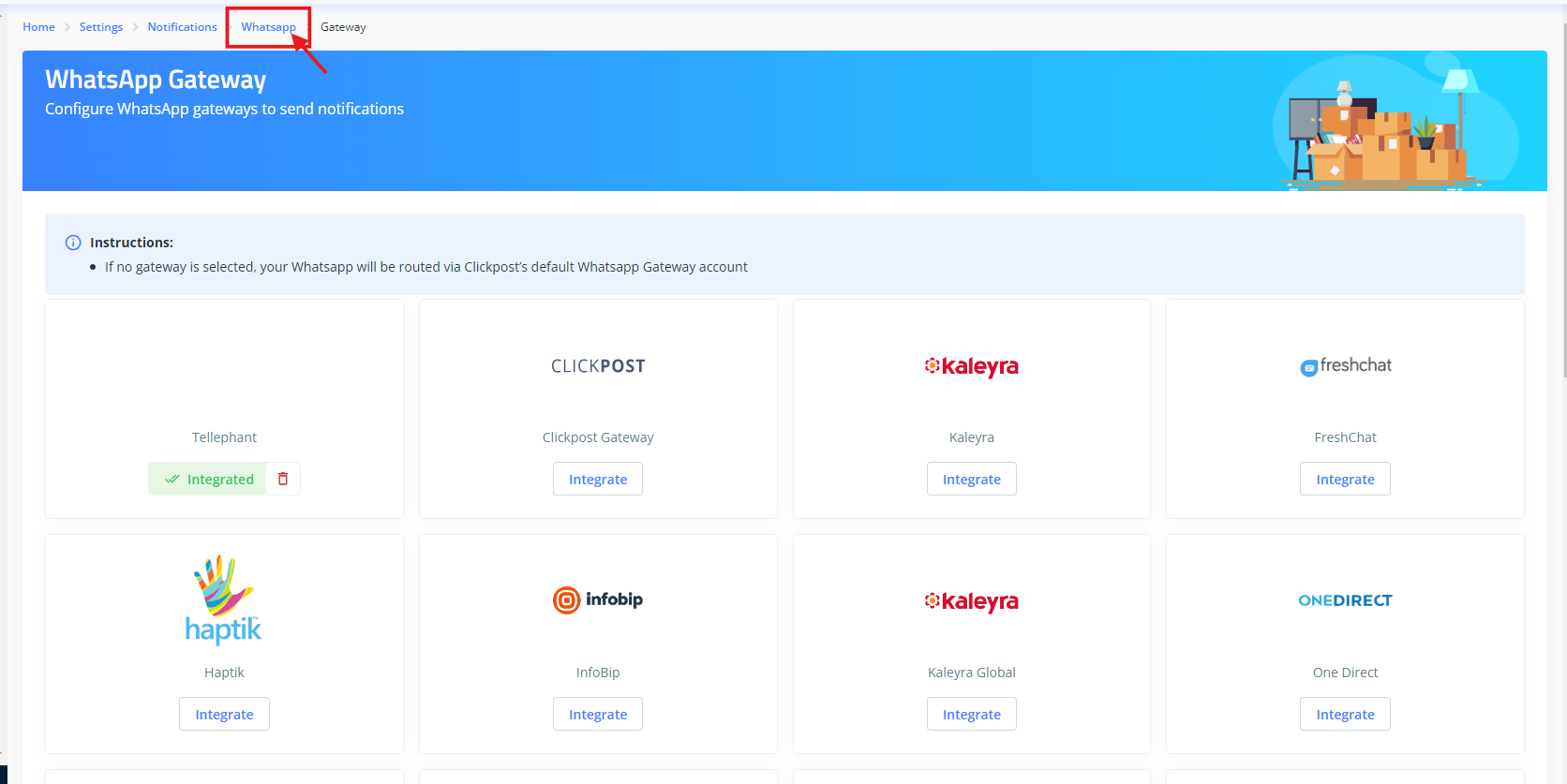
3. Then click on "Whatsapp"
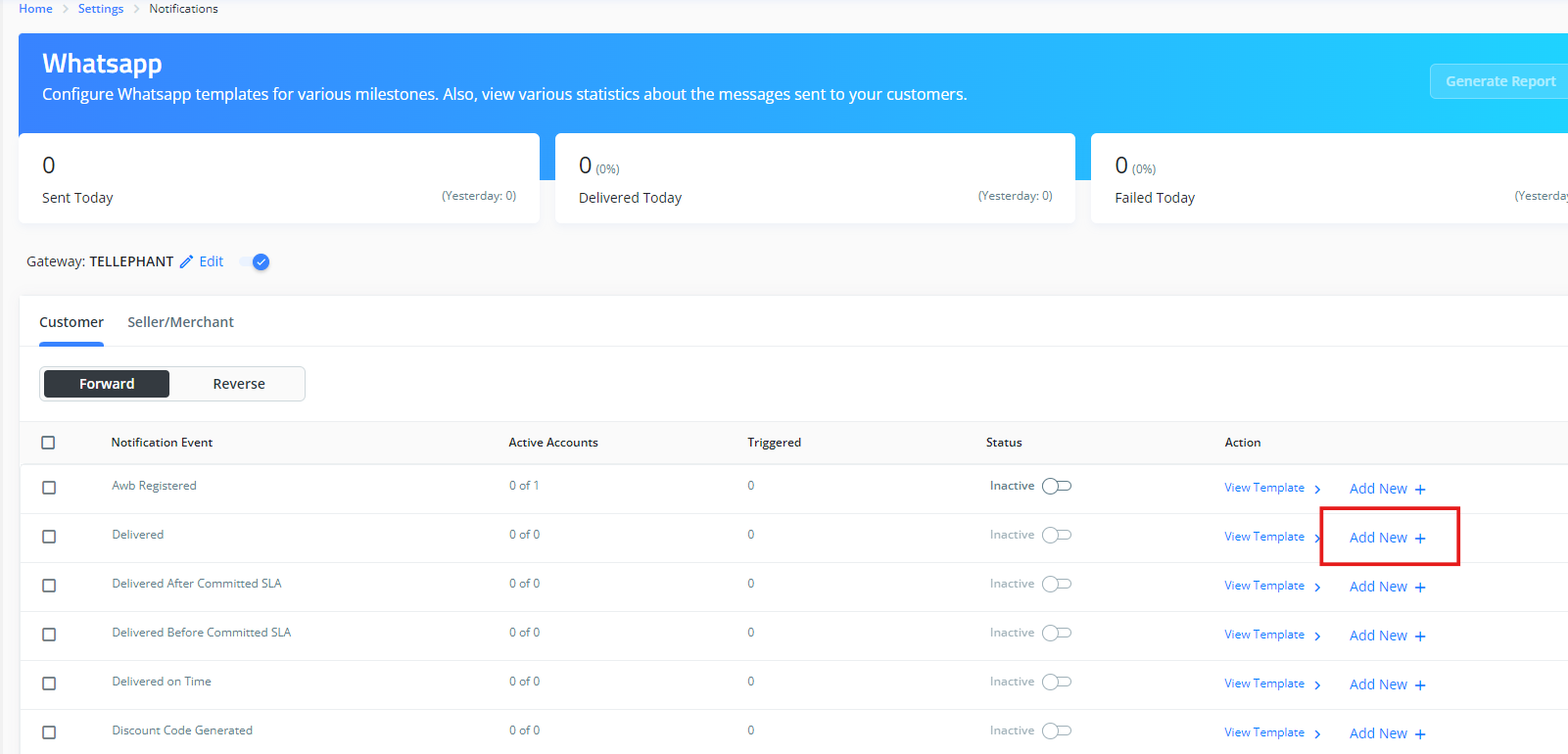
4. Now select the notification event for which you want to configure the teamplate and click on "Add new"
5. Add details in following fields as per the template you have whitelisted
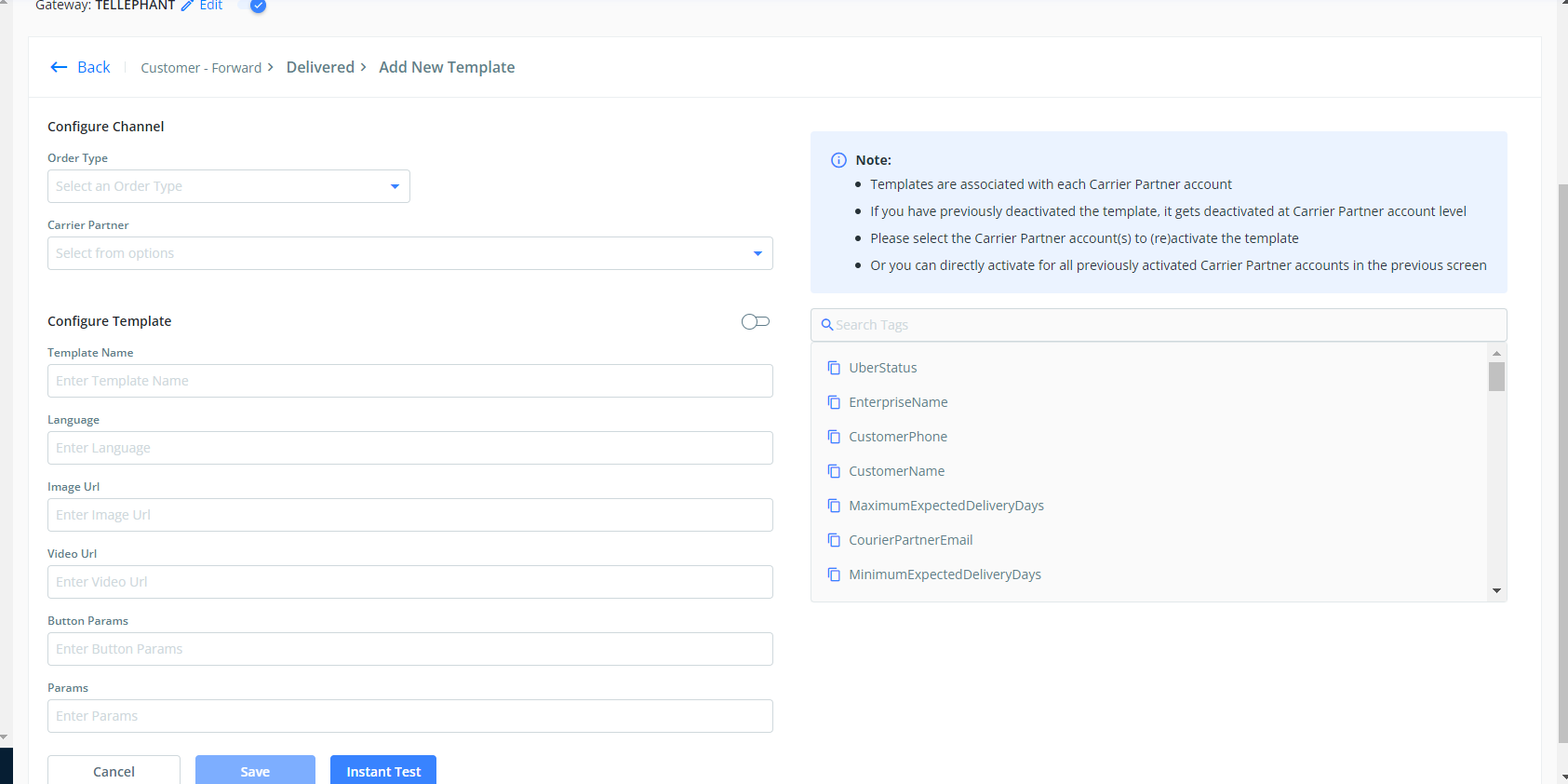
Field description :
- Order Type: COD/ Prepaid/ All based on your requirement ( Mandatory)
- Carrier Partner: Select the carriers for which you want to enable the notifications ( Mandatory)
- Template name: name of the whitelisted and synced template on Quickchat ( Mandatory)
- Language: en ( Mandatory)
- image_url: Add url of imgae for video templates ( Required only for image teamplate)
- Video_url: Add url of video for video templates ( Required only for video teamplate)
- Button params: Add tag for the variable taht you have added in template for CTA button ( Required only for template with CTA button)
- Params: Add tags for the variables that you have added in the template. Parameter should be comma separated, without any spaces and in the correct sequence. ( Mandatory)
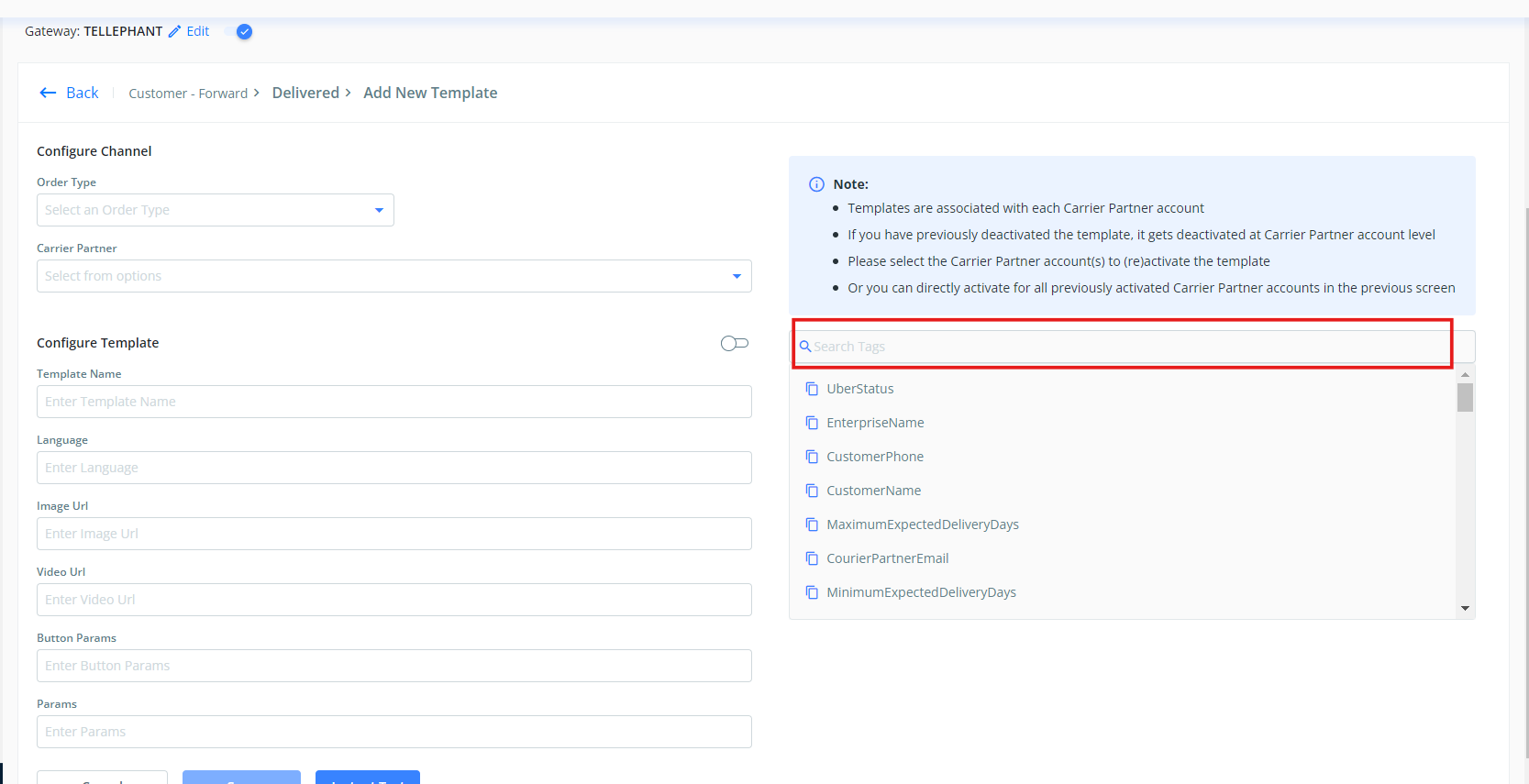
Testing:
Click on "Instant test" after saving the template
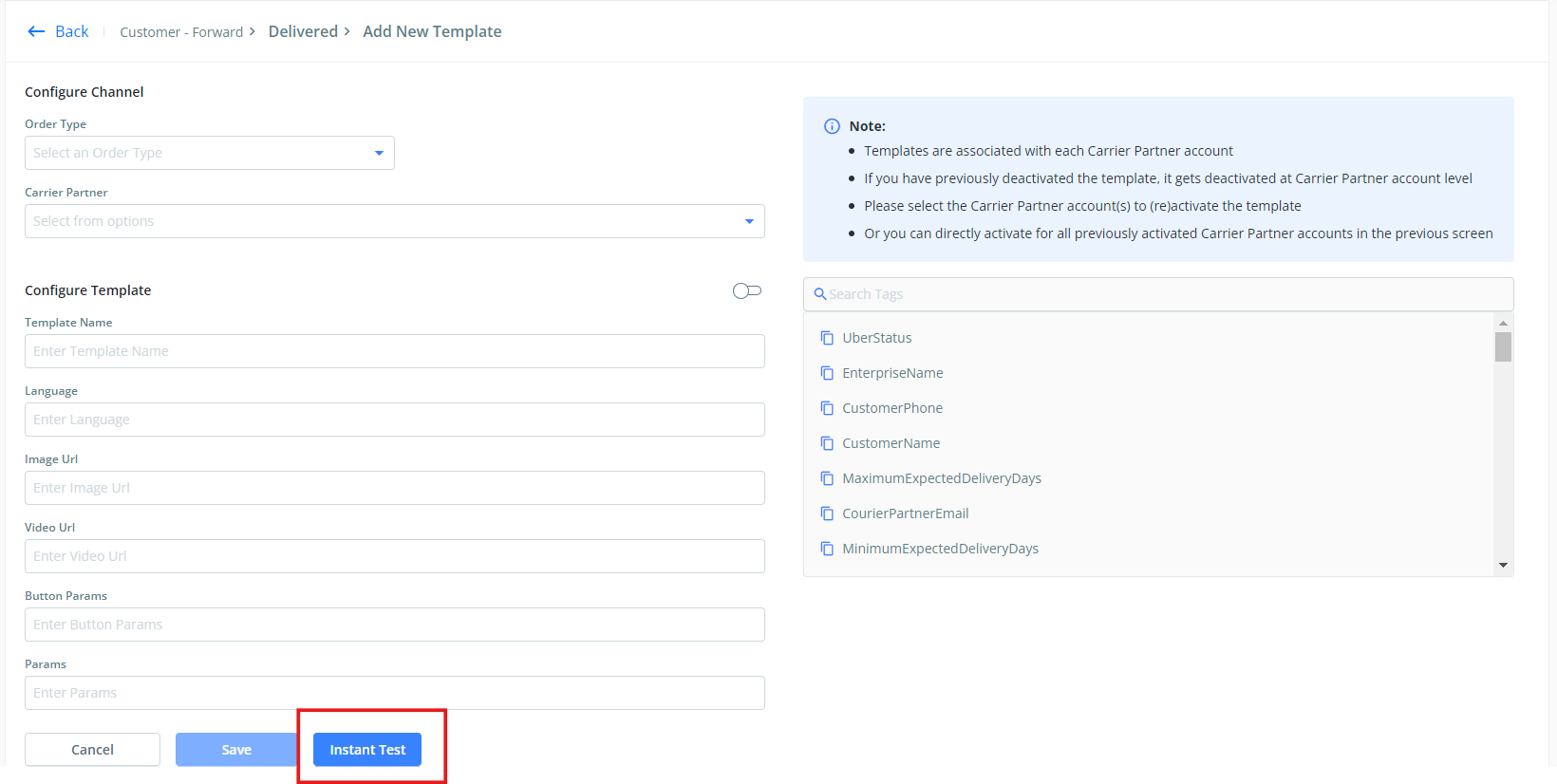
- Enter 10 digit phone number
- Enter the code - +91
- Enter the AWB (forward only for forward and reverse AWB for reverse checkpoints testing)
Incase you don't receive the message, scroll down and share the response log with the Clickpost team for them to check for the error.
Was this article helpful?
That’s Great!
Thank you for your feedback
Sorry! We couldn't be helpful
Thank you for your feedback
Feedback sent
We appreciate your effort and will try to fix the article