We have a dedicated section on the ClickPost dashboard where the Deleted Return and Exchange details can be viewed.
Following is the screenshot of the default view when you visit the Deleted Logs section.
https://dashboard.clickpost.ai/misc/deleted-logs/returns
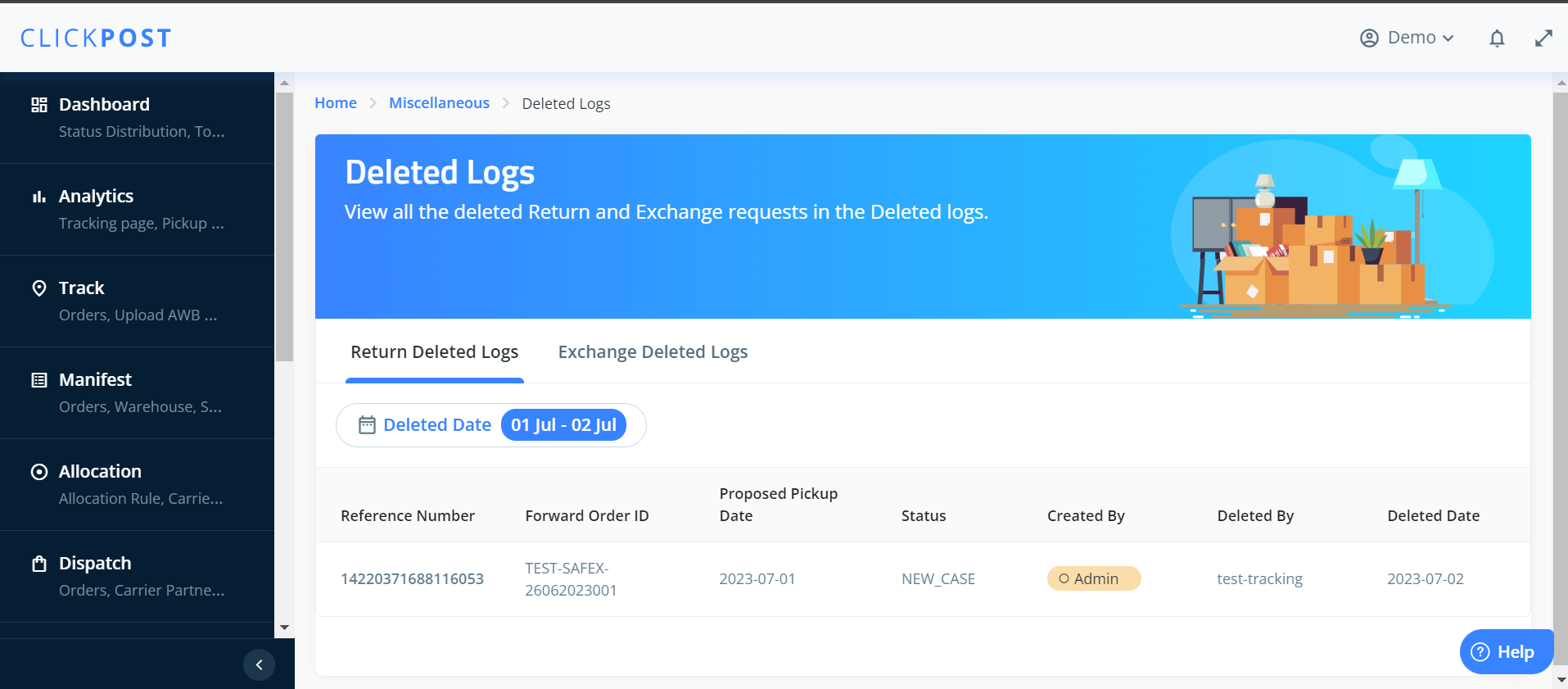
Use Case: You can access any deleted logs in the Deleted Logs section of the ClickPost dashboard if a return or exchange request was made and was deleted by your operations team.
You will find the Return Deleted Logs and Exchange Deleted Logs sections under the Deleted Logs section. Sharing the details below.
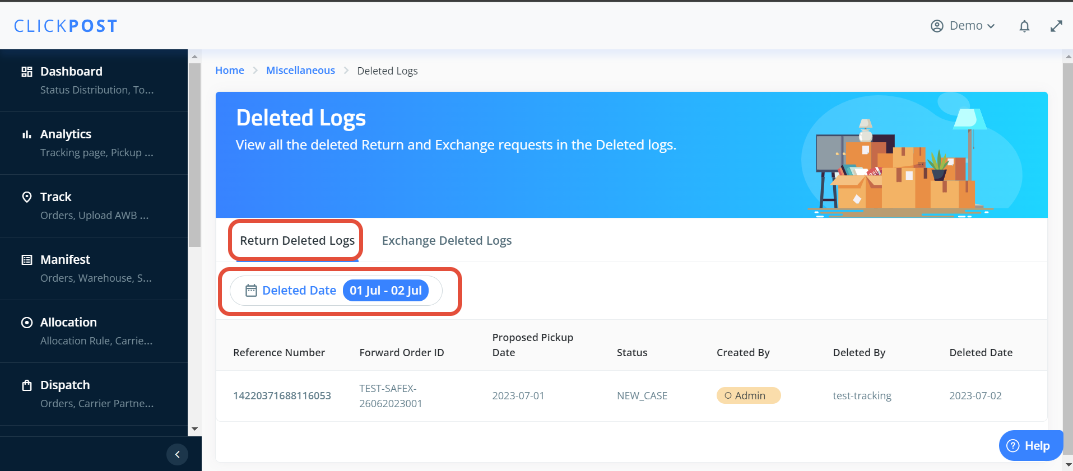
1) Return Deleted Logs: Within the Return Deleted Logs, you have the ability to customize the date filter according to your preference. This allows you to view the cases that were deleted by the operation team after the return request was initiated.
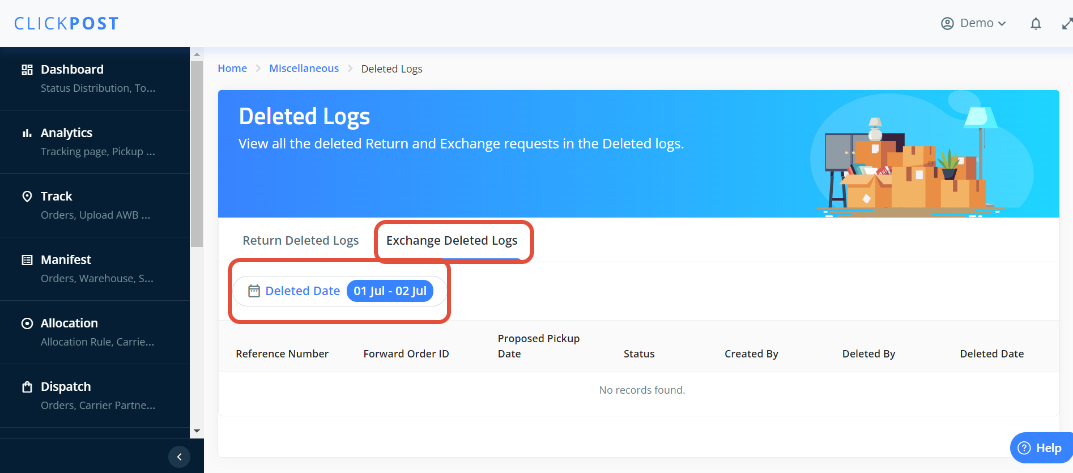
2) Exchange Deleted Logs: Within the Exchange Deleted Logs, you have the flexibility to tailor the date filter based on your specific requirements. This grants you the ability to examine cases that have been deleted by the operation team subsequent to the submission of the return request.
Was this article helpful?
That’s Great!
Thank you for your feedback
Sorry! We couldn't be helpful
Thank you for your feedback
Feedback sent
We appreciate your effort and will try to fix the article