In this article you can setup the preferred mode of payment for exchange orders.
1. Please navigate to Settings > Return & Exchange > Exchange and Exchange payment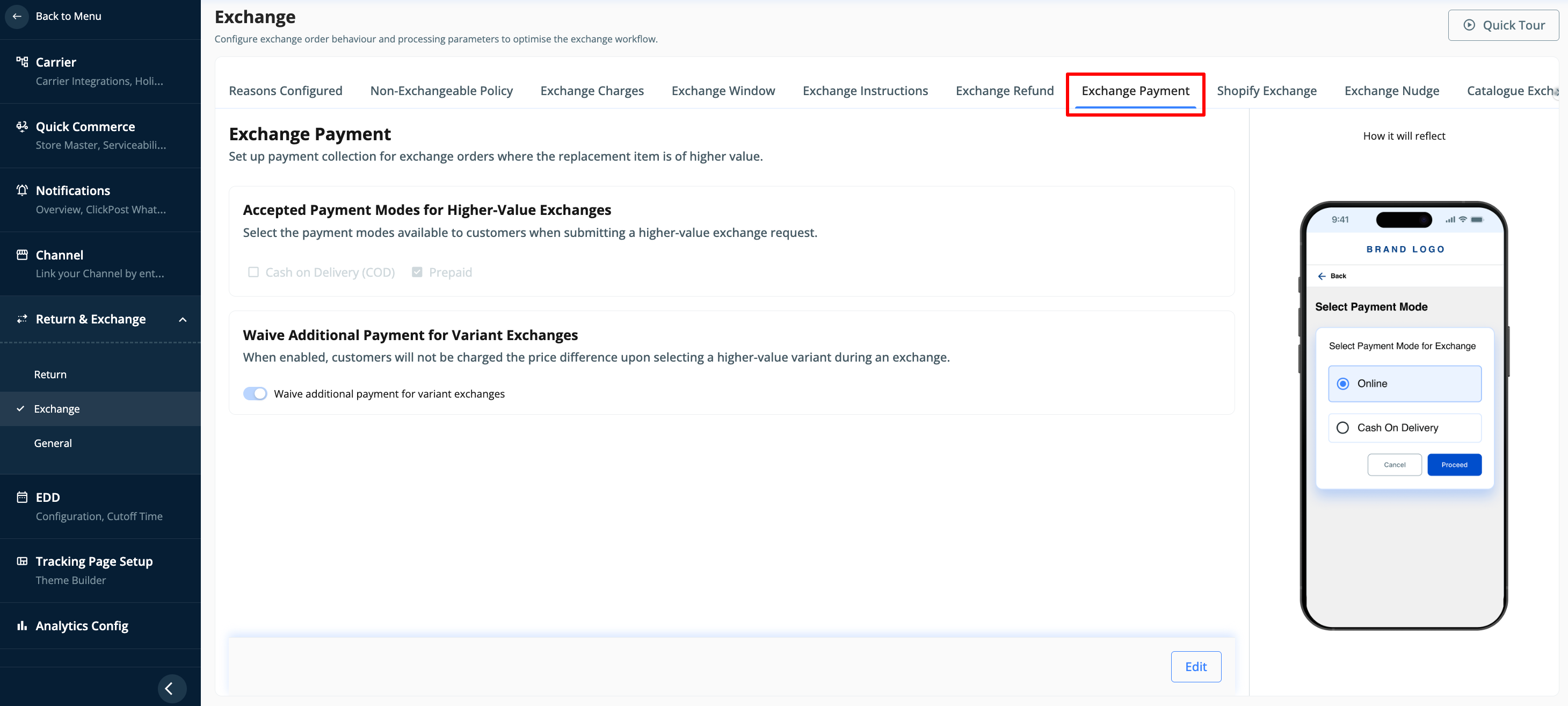
2. Once you're on this page, click on edit option and you can choose either Prepaid or COD or both. Once selected, please click on Review & Submit to save the changes.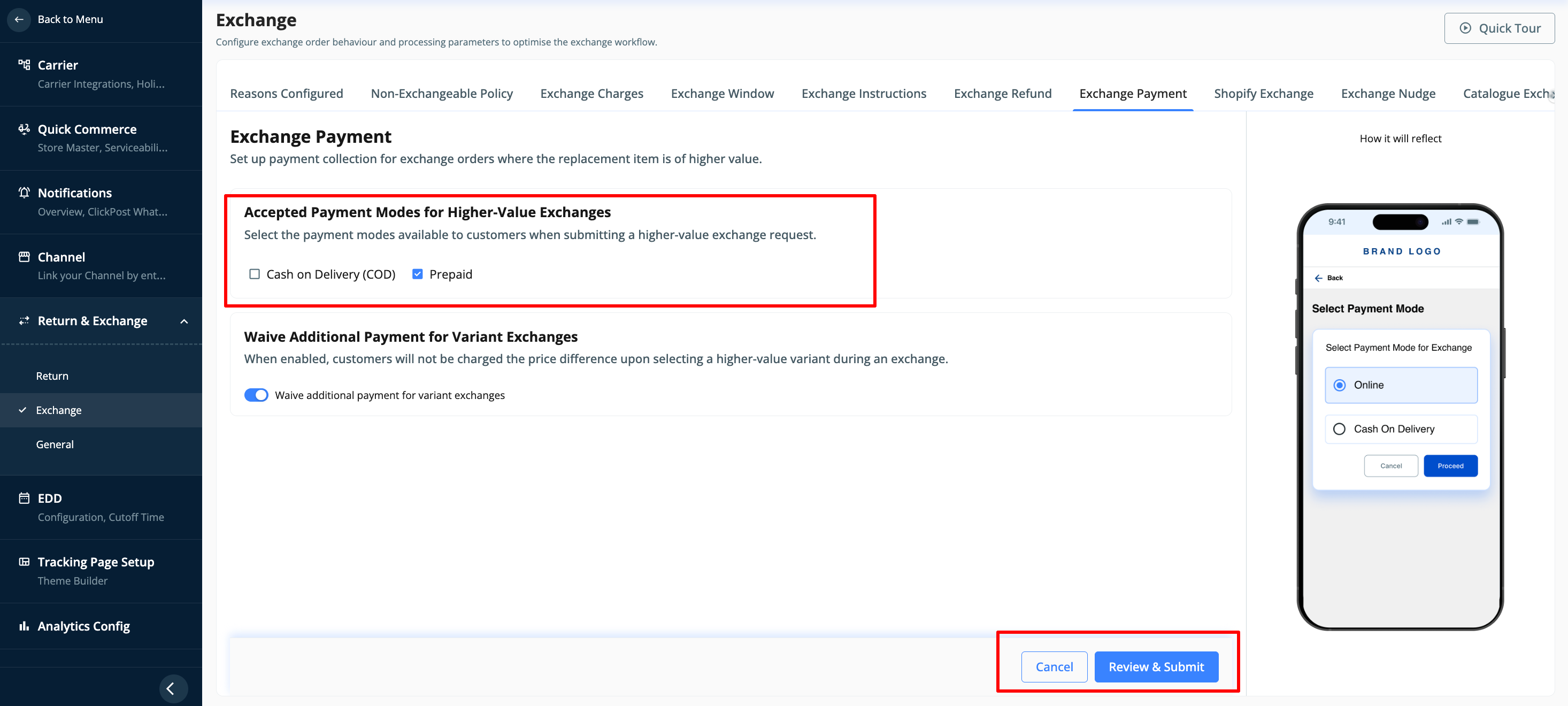
Was this article helpful?
That’s Great!
Thank you for your feedback
Sorry! We couldn't be helpful
Thank you for your feedback
Feedback sent
We appreciate your effort and will try to fix the article