ClickPost continuously tracks all your shipments through courier partner APIs. Whenever a shipment moves to a failed delivery status, ClickPost automatically categorizes and maps them into standardized NDR (Non-Delivery Report) buckets.
You can review the complete list of NDR buckets here:
https://docs.clickpost.ai/docs/ndr-status-codes-1
Based on the classified NDR reason, ClickPost displays a relevant feedback form to the buyer on the tracking page. You can reach out to support@clickpost.in to get the Failed Delivery enabled for your brand tracking page.
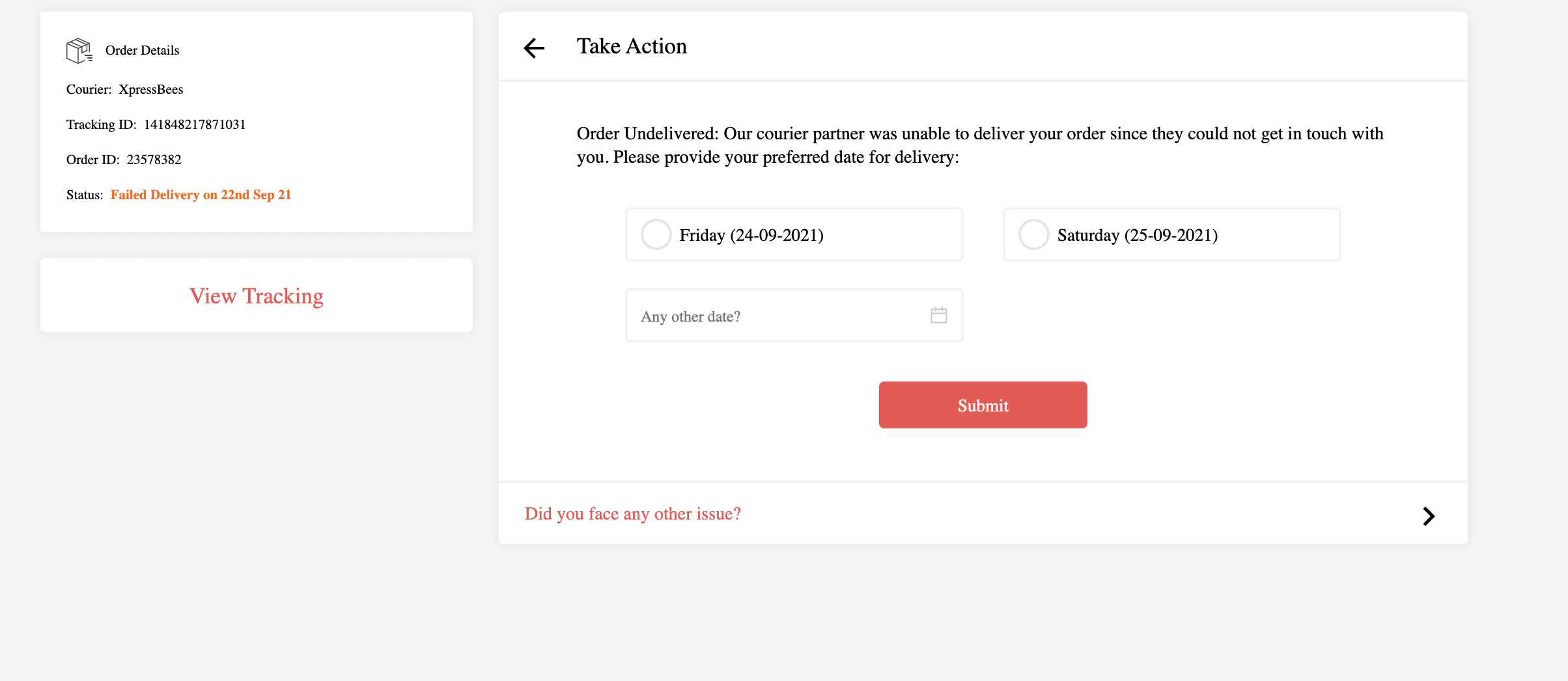
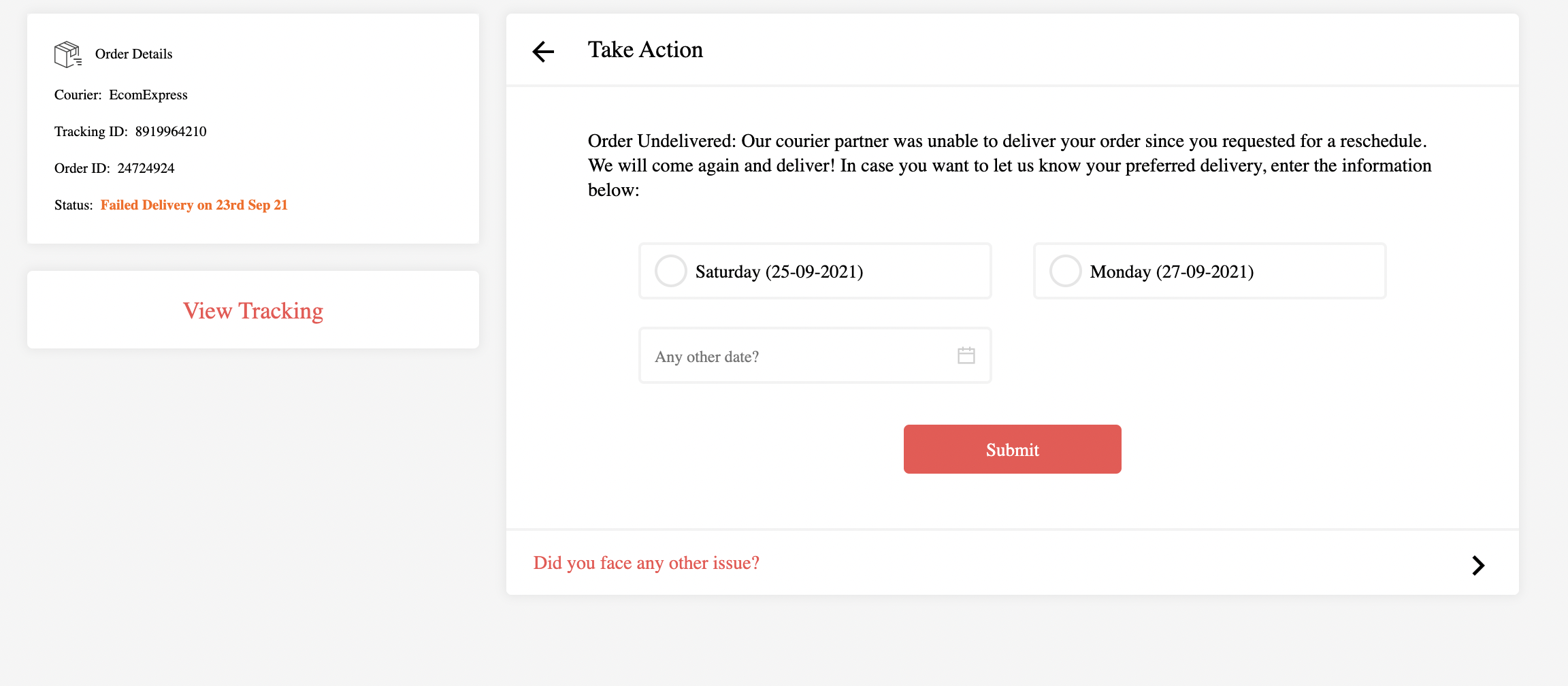
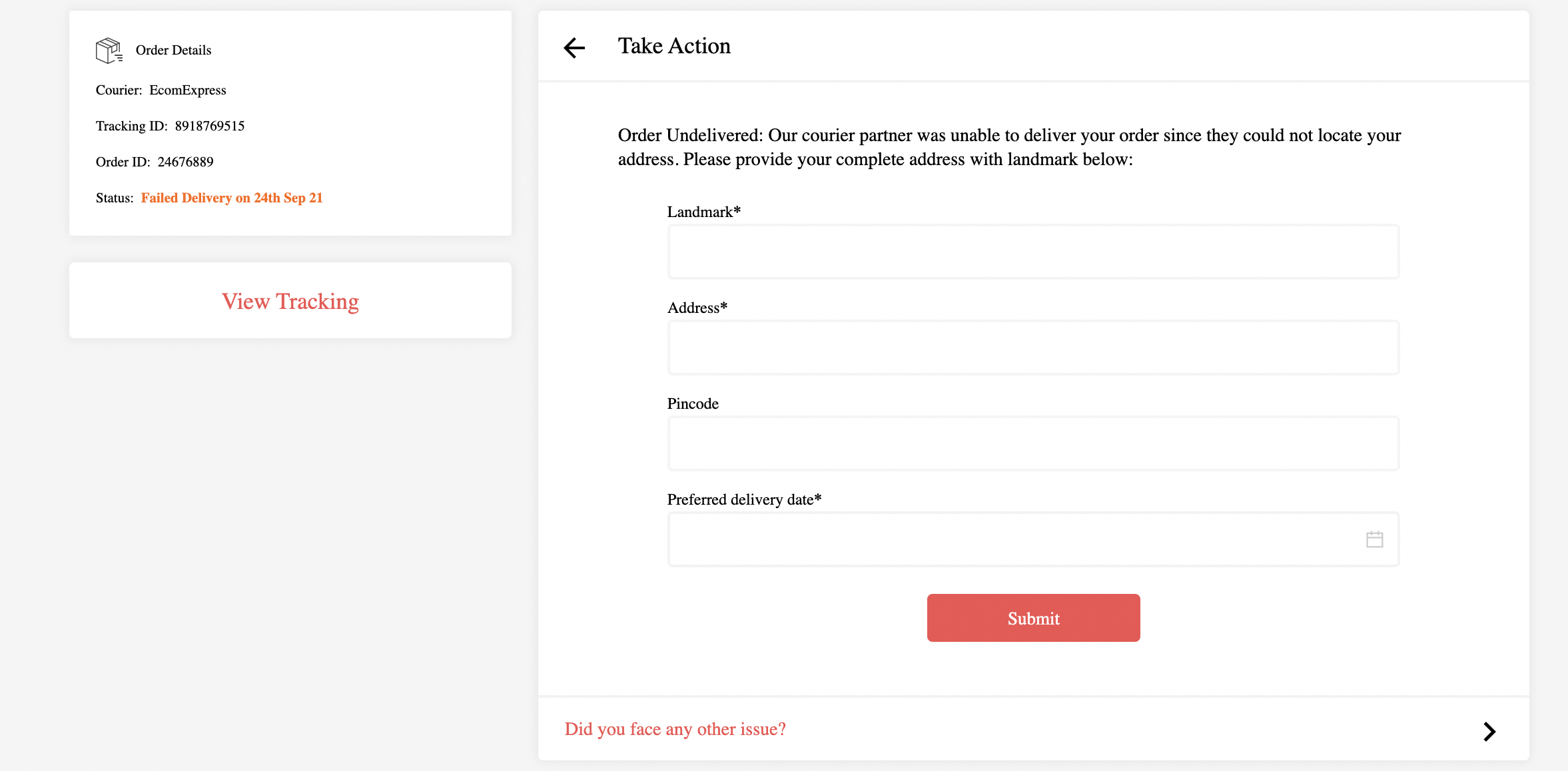
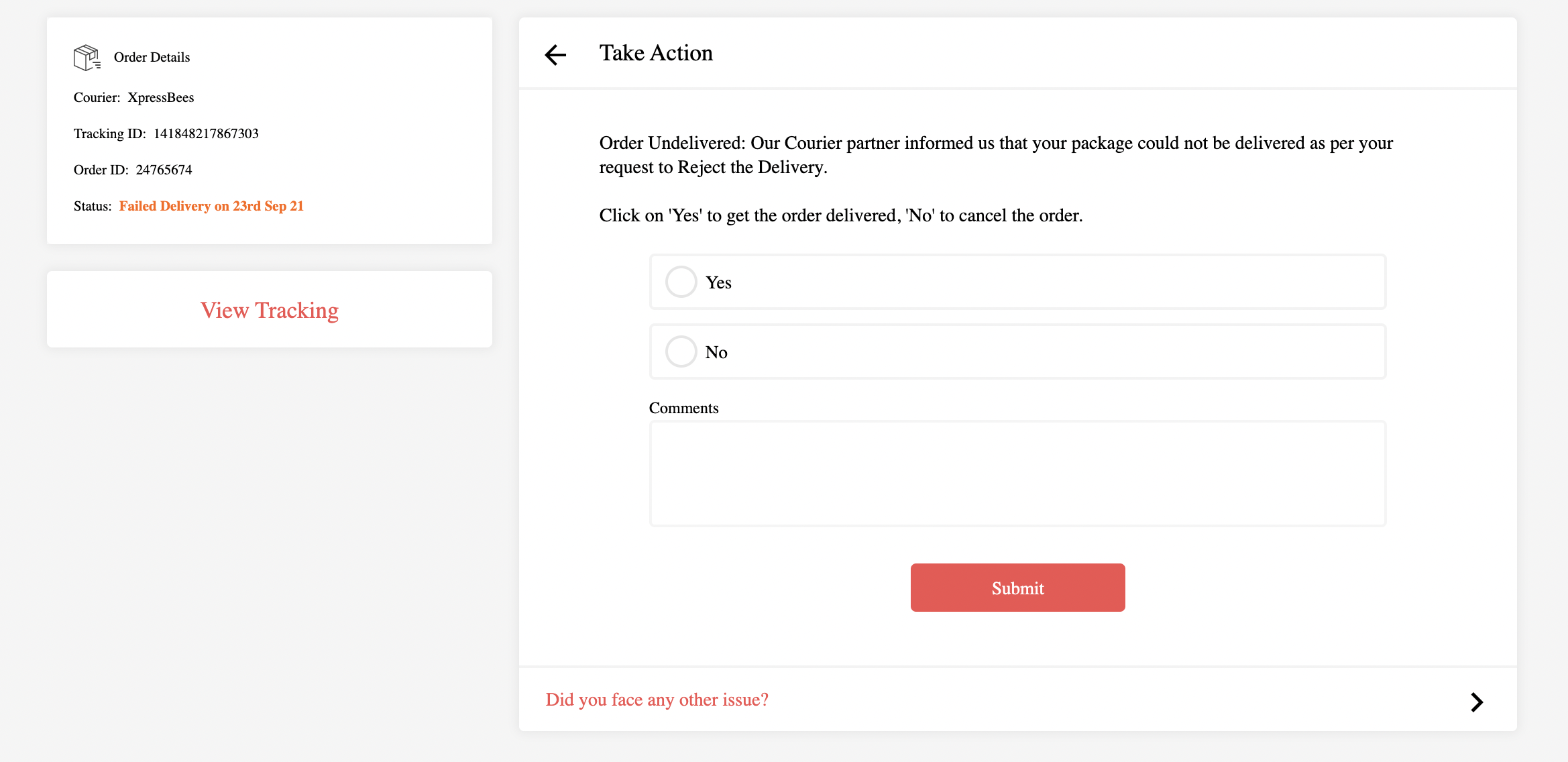
Examples of forms shown include:
- Customer unavailable:
- Delivery rescheduled:
- Address issue:
- Rejected by customer:
- Payment issue:
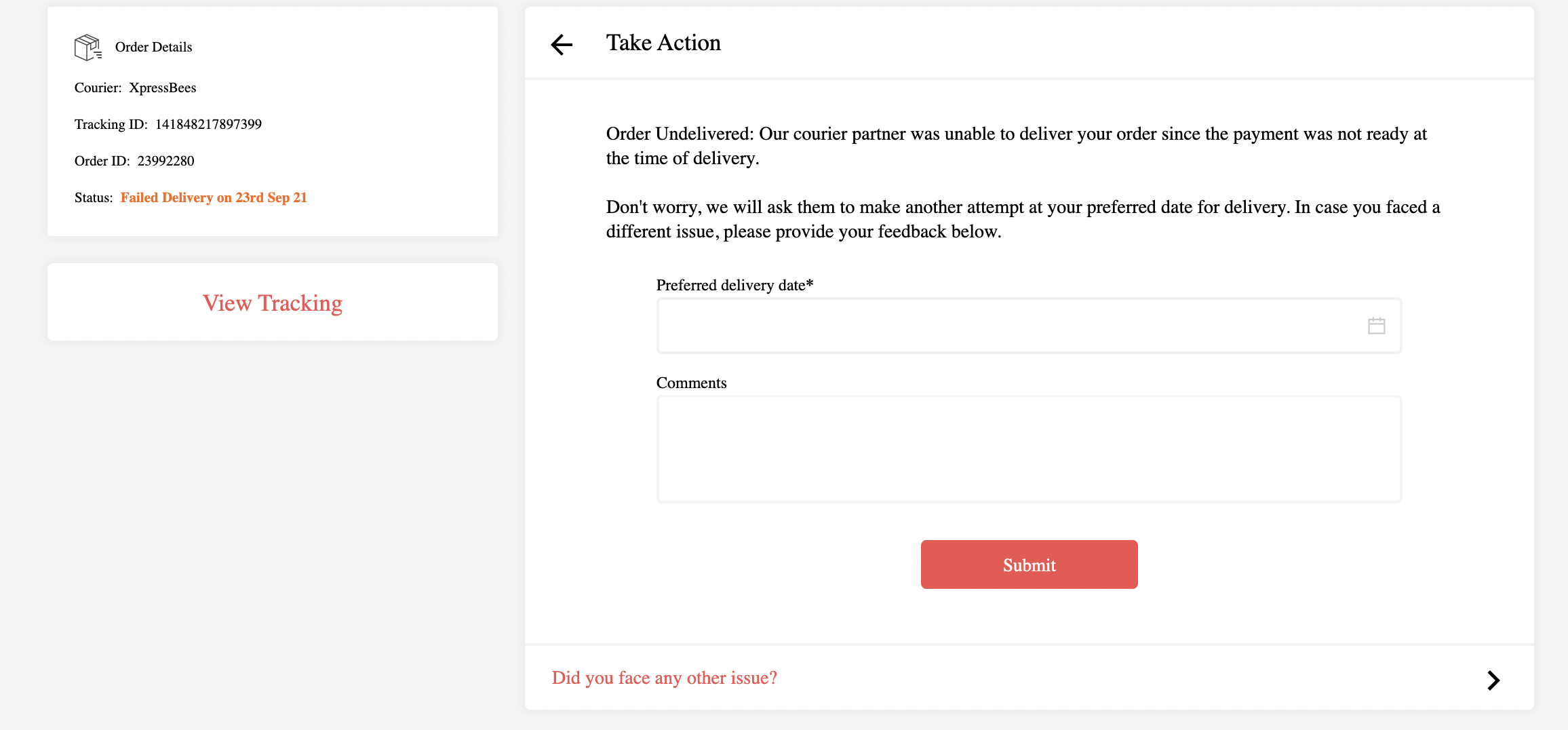
- Self-collect:
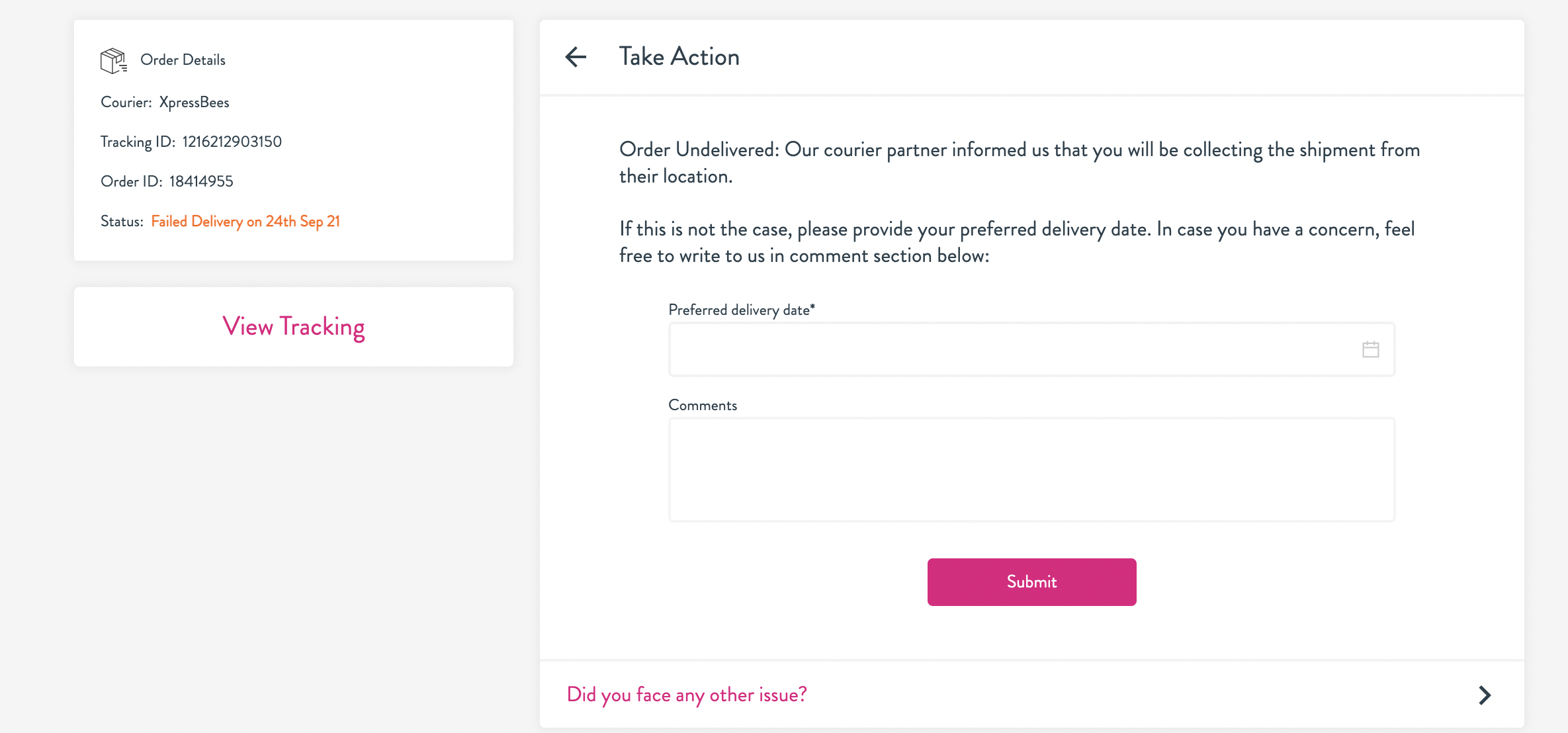
- Customer wants open delivery:
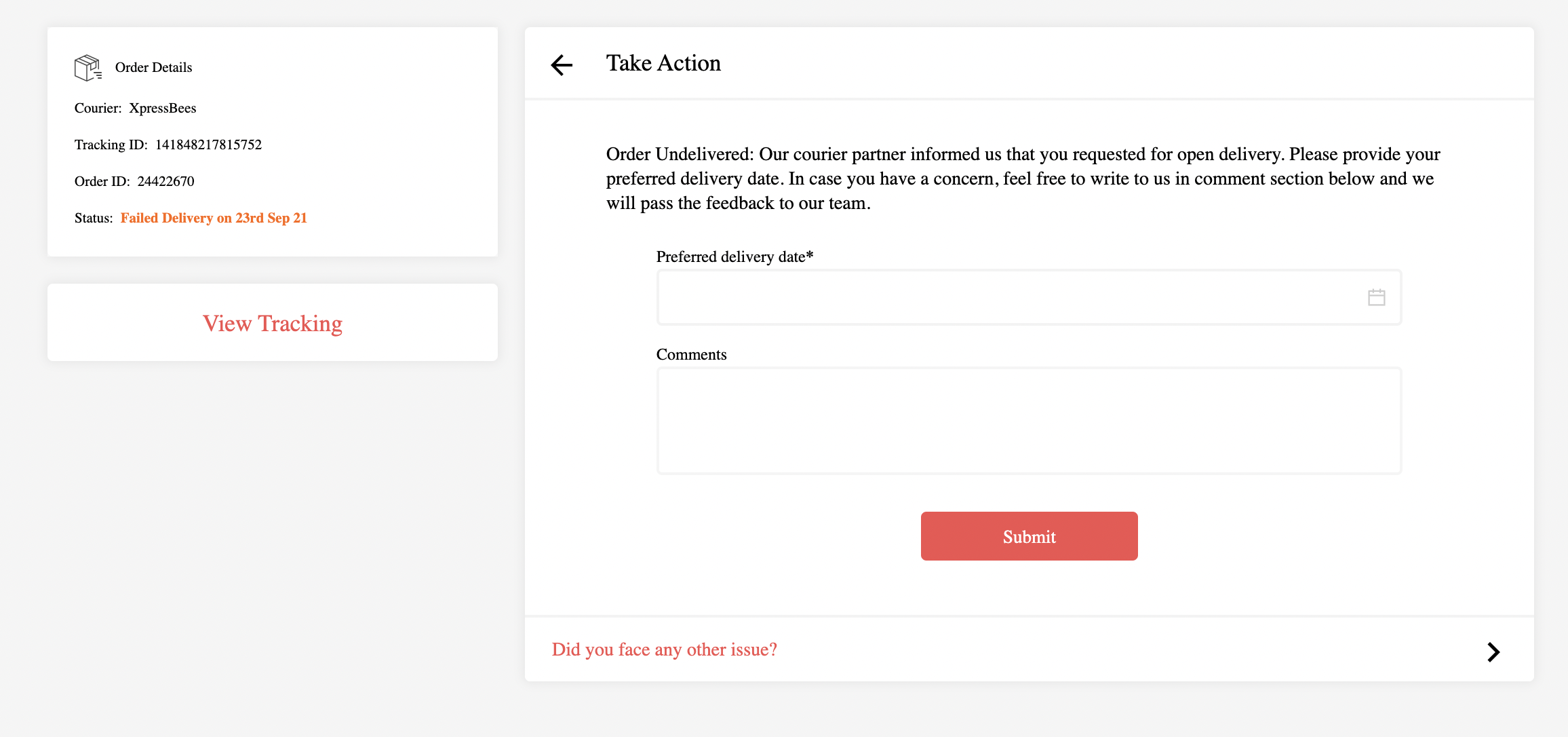
- Exception:
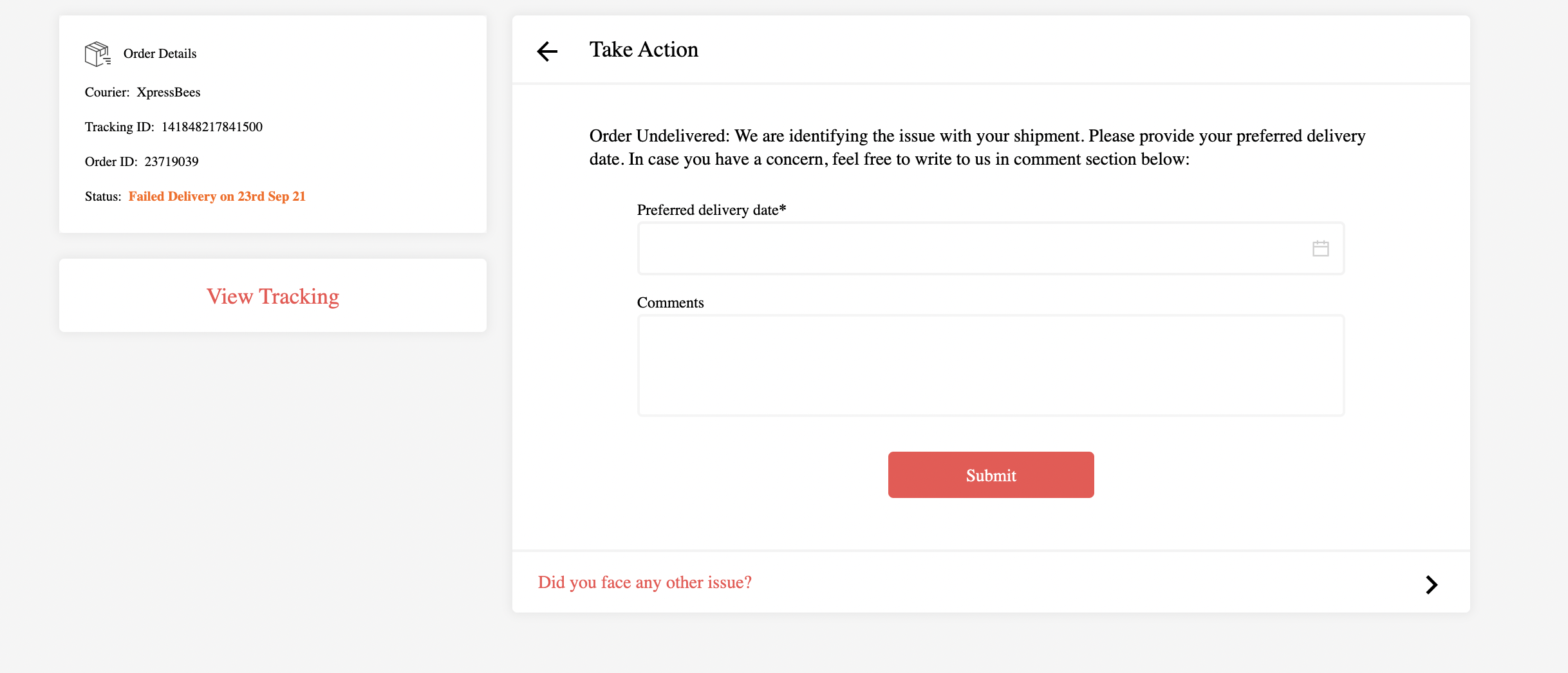
- No attempt:
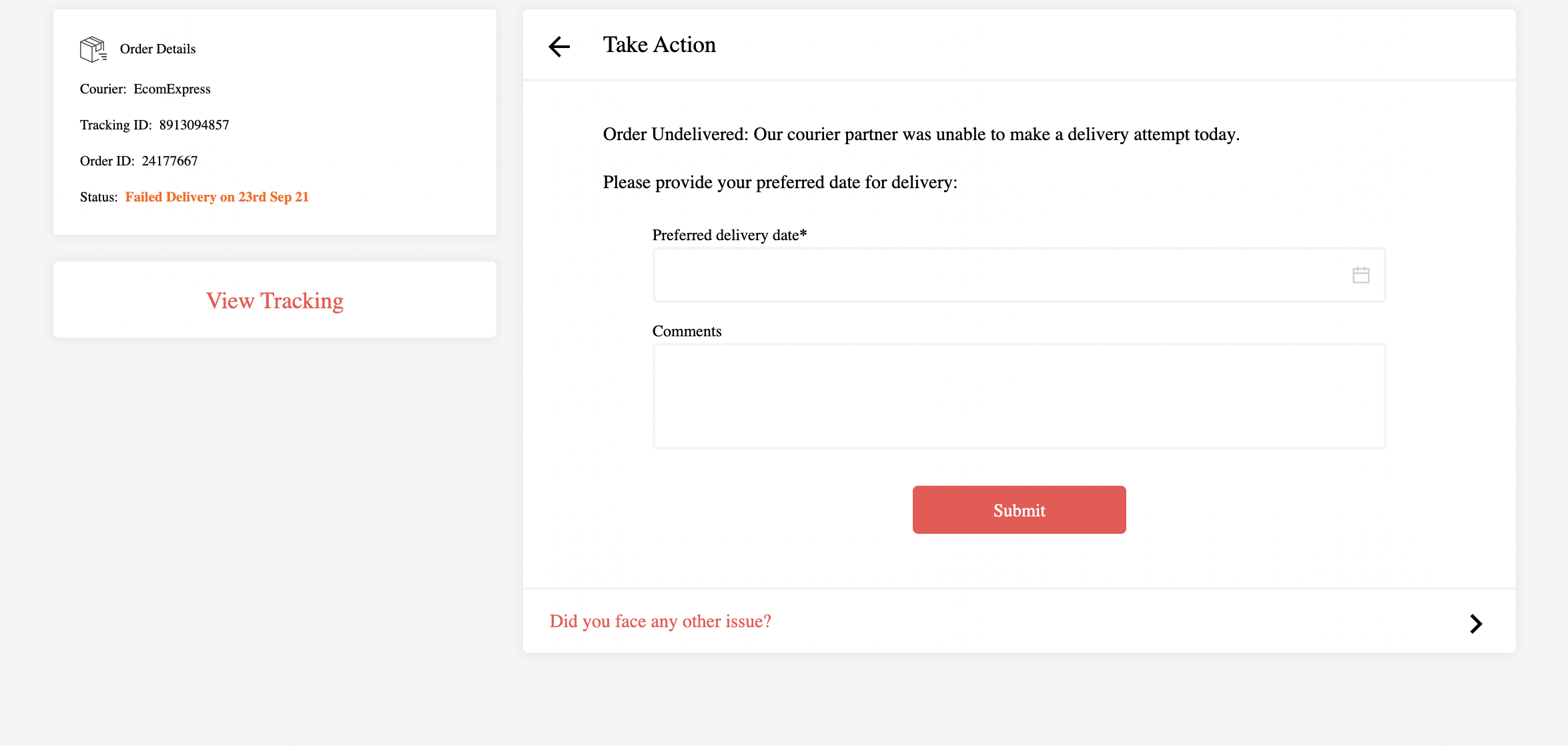
- Customer unreachable:
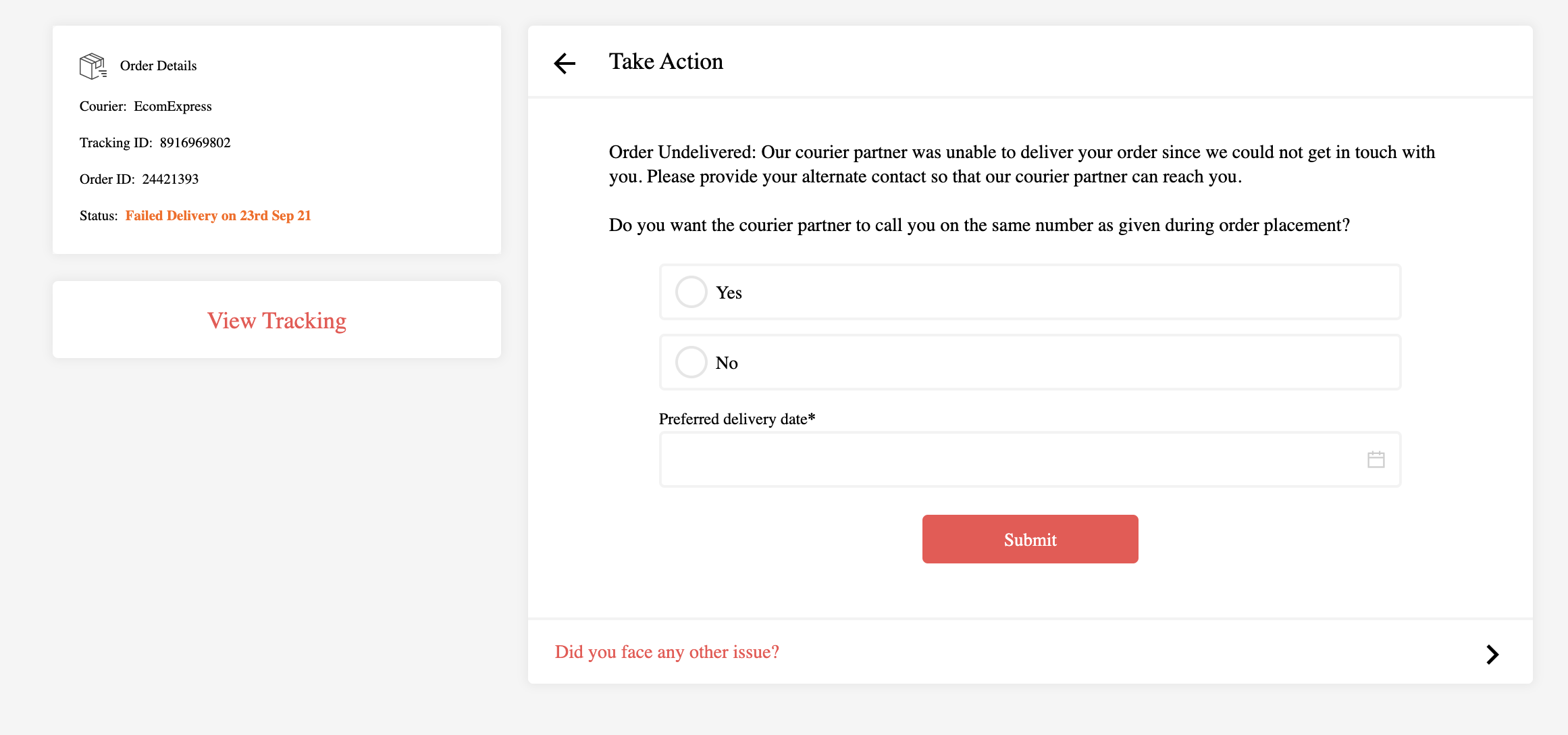
- Out of delivery area:
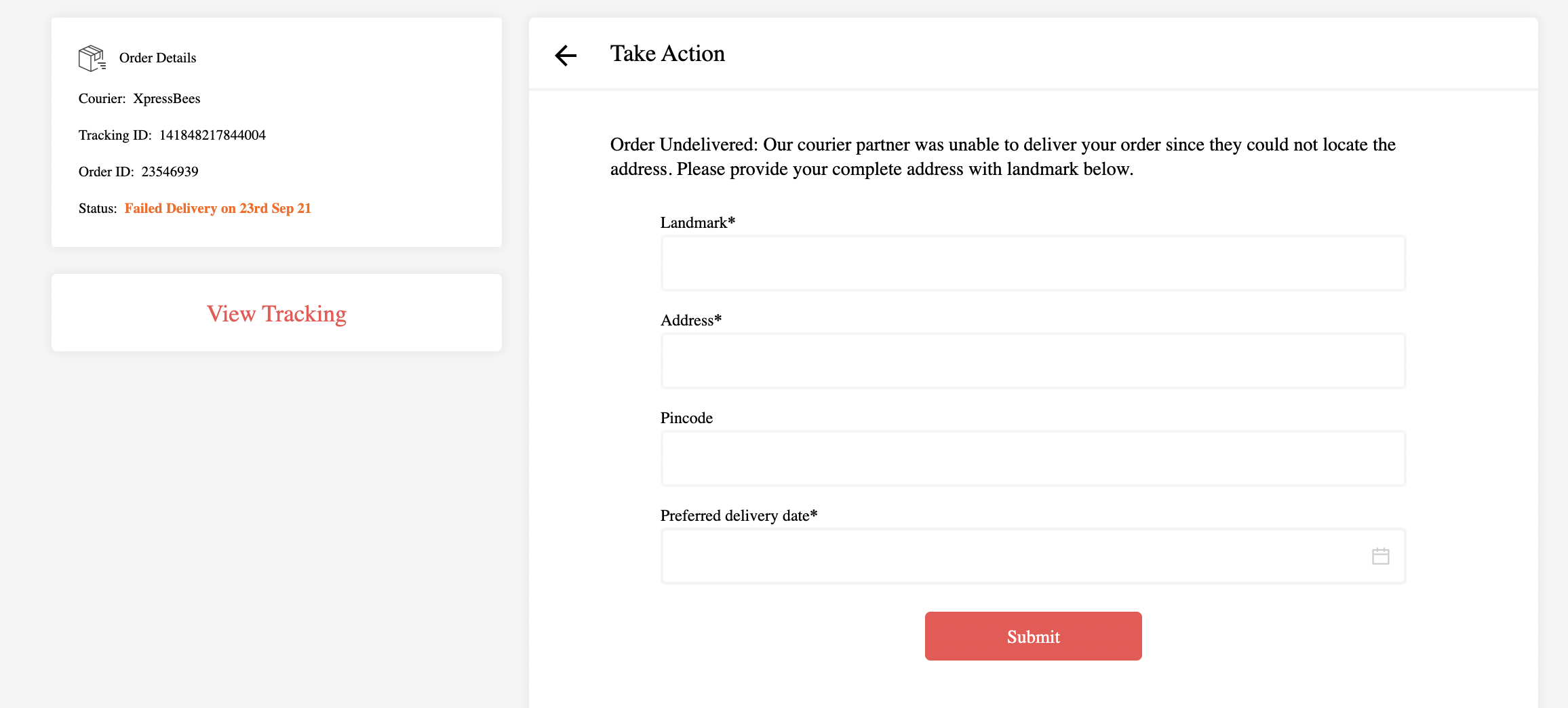
The end customers (buyers) can update their preference (e.g., corrected address, preferred delivery date, alternate phone number, or confirmation of RTO).
This feedback is then shared with courier partners through:
NDR APIs (real-time transmission), or
Automated NDR Instruction Emails (scheduled fallback)Enterprises can also fetch all buyer-provided feedback through the following batch API:
https://docs.clickpost.ai/docs/customer-feedback-api
Enterprises can also fetch all buyer-provided feedback through the following batch API:
https://docs.clickpost.ai/docs/customer-feedback-api
Handling Fake Remarks
The tracking page also allows buyers to flag fake delivery remarks with specific reasons.
This helps in reducing false NDRs and increases first-attempt success rates.
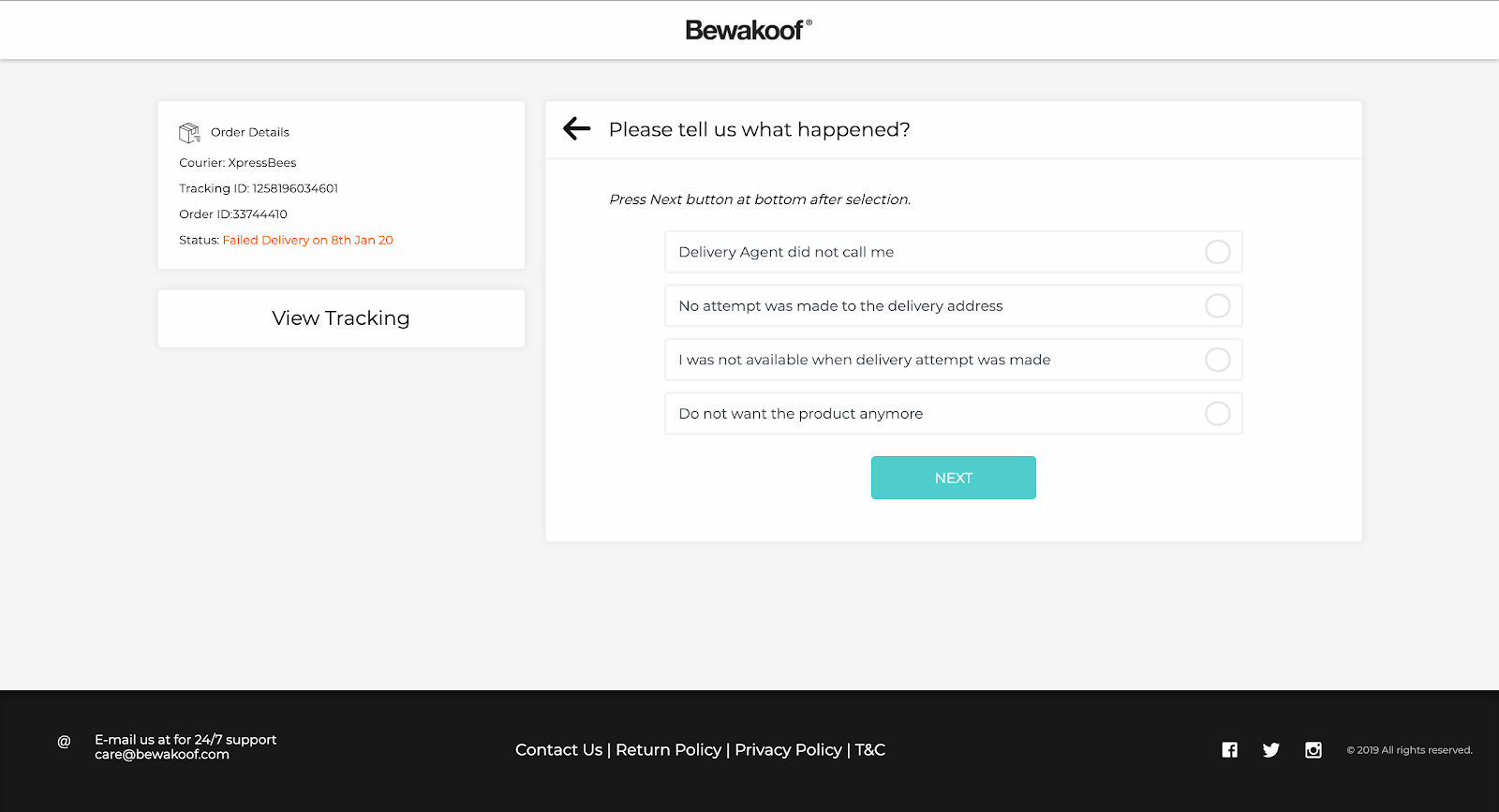
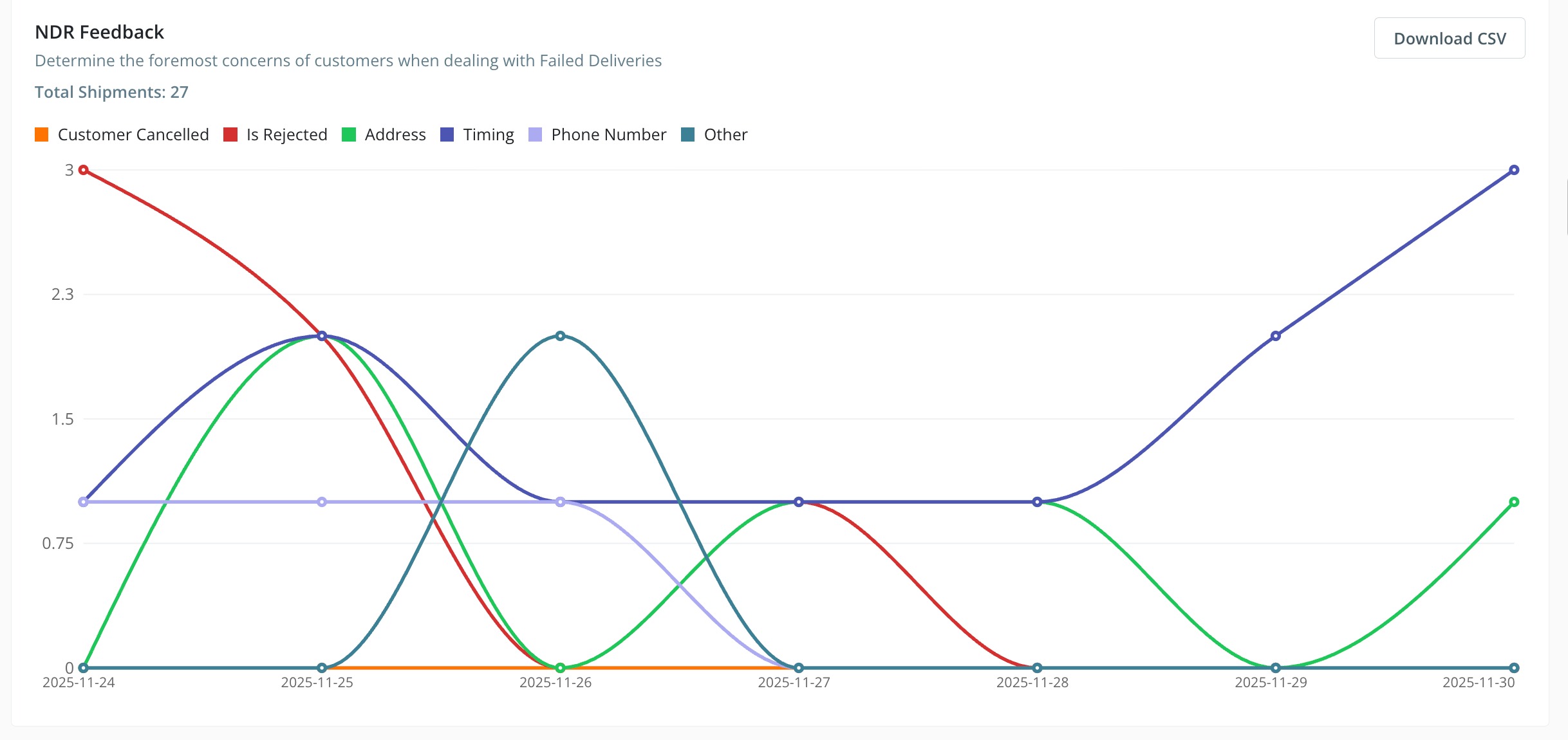
All customer feedback, including updated preferences and fake remark tags, is available under:
Analytics → Tracking Page → Scroll down to NDR Feedback Graph
You can download the raw feedback dataset using the "Download Data as CSV" option.
NDR Follow-up Through ClickPost
For shipments where buyers do not submit feedback, your NDR outbound team can follow up with customers using the ClickPost Dashboard.
They can call the customer, setup automations and NDR Journeys, capture inputs, and update the feedback directly in the system.
This data is also shared with courier partners via the same two channels—NDR APIs or automated instruction emails.
More details: https://clickpost.freshdesk.com/a/solutions/articles/43000772193
Was this article helpful?
That’s Great!
Thank you for your feedback
Sorry! We couldn't be helpful
Thank you for your feedback
Feedback sent
We appreciate your effort and will try to fix the article