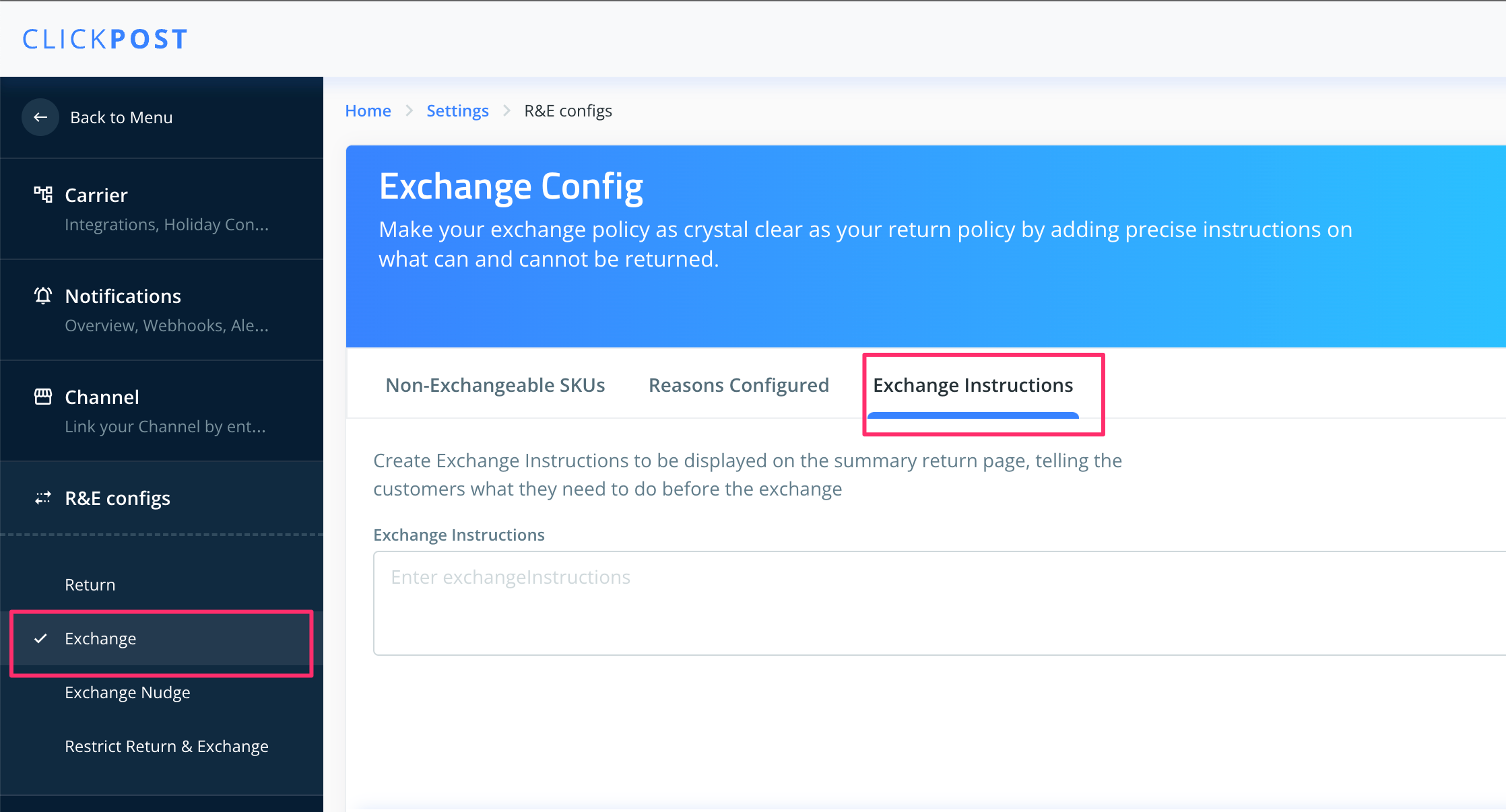
Steps to addexchange instructions on the customer facing UI:
1. Login to the Clickpost dashboard https://dashboard.clickpost.ai/
2. Go to Settings > R&E configs.
3. Click on the "Exchange" tab in the the Navigation panel.
4. Add the text that you want to Dispplay on the UI and Click on "Submit"
Was this article helpful?
That’s Great!
Thank you for your feedback
Sorry! We couldn't be helpful
Thank you for your feedback
Feedback sent
We appreciate your effort and will try to fix the article