We offer a feature that allows you to create a tracking page by simply providing your website URL and domain. Using AI capabilities, the tracking page will be generated within 5 minutes.
To create the tracking page for your ClickPost account, you need to follow the URL below.
https://dashboard.clickpost.ai/settings/tracking-page/ai-builder
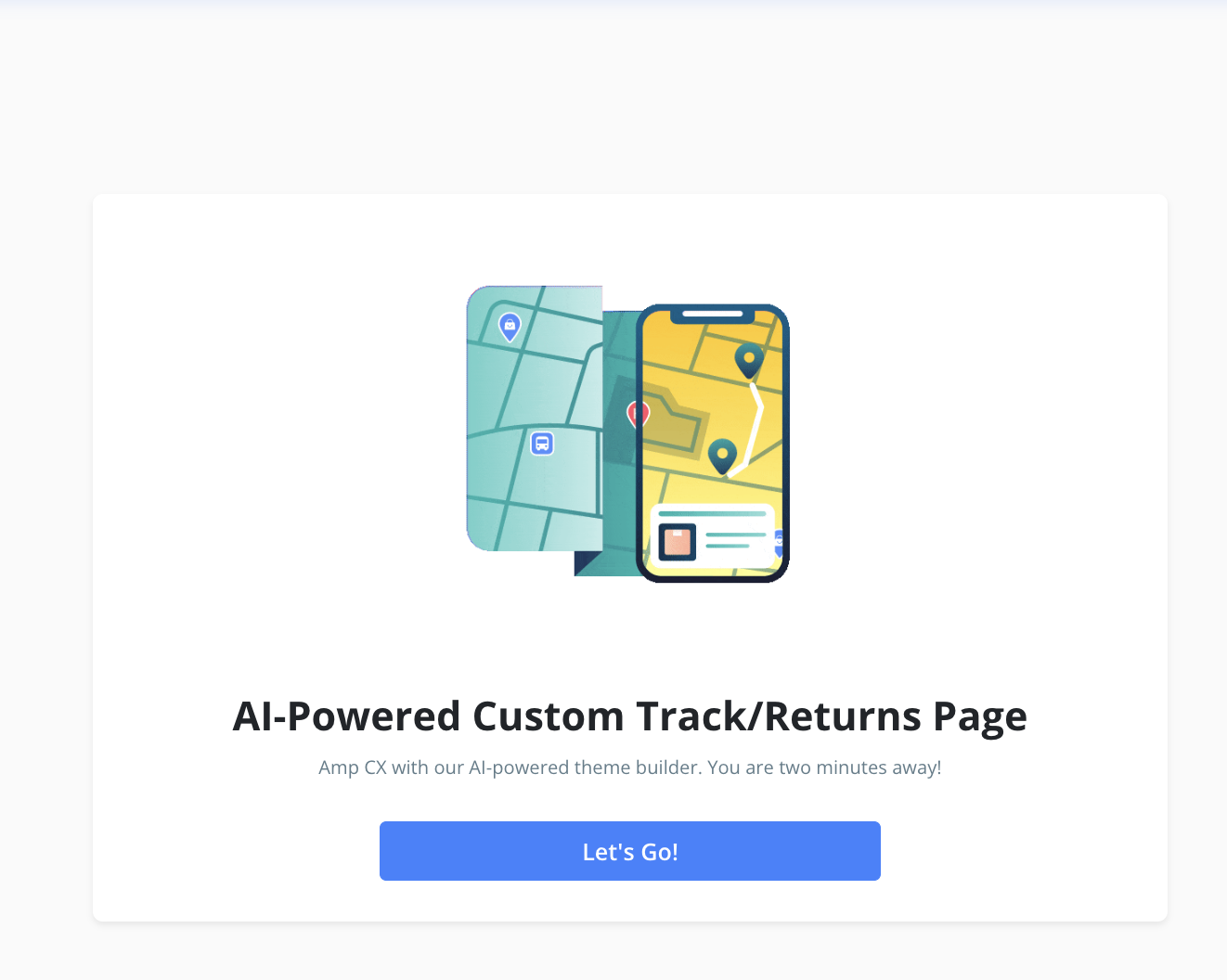
Once you're redirected to the dashboard, the following page will appear. Please click on "Let's Go" to proceed.
Next, you'll be required to enter the website name, sub-domain, and the estimated monthly order volume, as shown in the snapshot below.
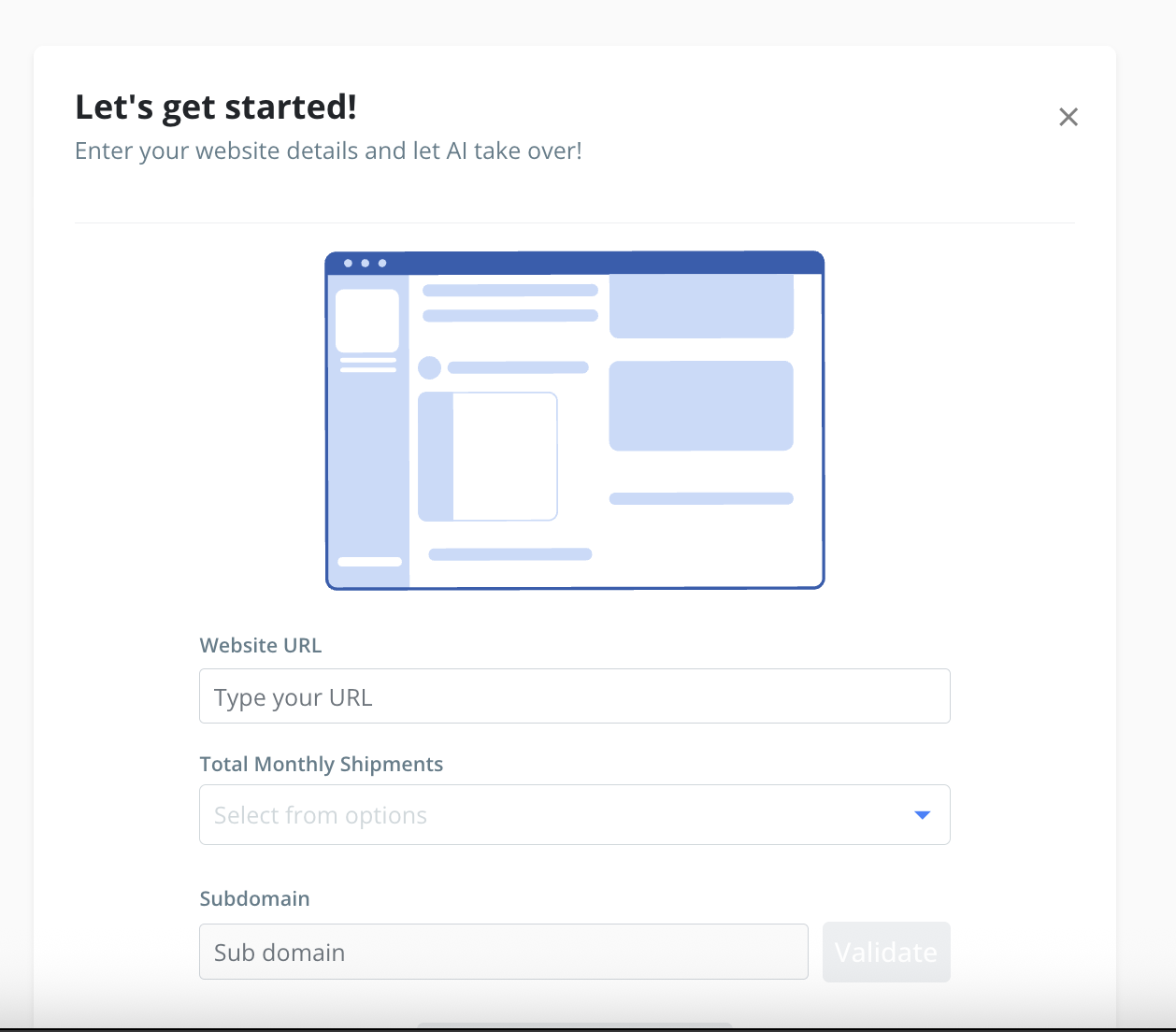
The website could be - abc.com
Sub-domain could be - abc
After entering the details, please click on "Generate with AI" as highlighted in the snapshot below.
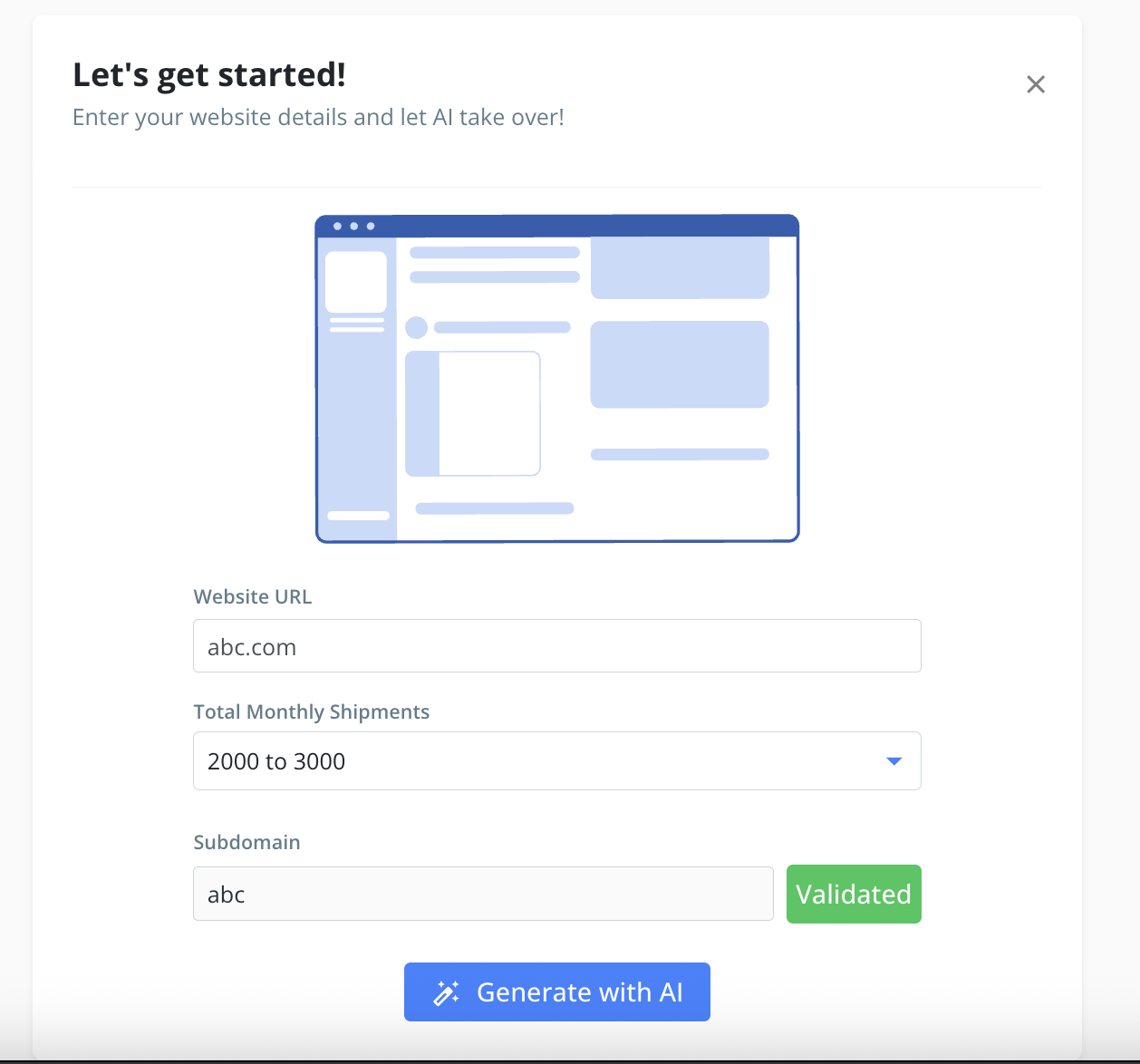
It may take a few moments, after which your tracking page will be successfully created and ready for use.
Was this article helpful?
That’s Great!
Thank you for your feedback
Sorry! We couldn't be helpful
Thank you for your feedback
Feedback sent
We appreciate your effort and will try to fix the article